

7 Best Ecommerce Plugins for WordPress in 2026 (Tested And Compared)

Picking an ecommerce plugin for WordPress looks easy at first. Install one, add a few products, connect Stripe, done.
Then reality kicks in. The “free” plugin needs five paid add-ons to handle subscriptions. The checkout slows down once your catalog grows. Or you find out six months later that your plugin takes a small cut of every sale.
I’ve watched plenty of store owners run into these exact problems, so this guide focuses on the questions that matter: what each plugin does well, where it falls short, and what it really costs once your store is up and running.
Below you’ll find the 7 best WordPress ecommerce plugins, compared by features, pros and cons, pricing, and hidden fees so that you can pick the right one the first time.
Key Takeaways
- FluentCart is the strongest all-around option for most WordPress stores, especially if you sell physical products, digital downloads, subscriptions, or a mix of all three.
- WooCommerce still has the biggest ecosystem and makes sense when your store depends on specialized extensions, shipping integrations, or custom workflows.
- Easy Digital Downloads is a better fit for digital-only businesses, particularly software, ebooks, templates, and downloadable products.
- SureCart offers a fast setup and hosted checkout, but its free plan comes with a transaction fee.
- MemberPress is built for memberships, courses, and gated content, rather than traditional physical-product ecommerce.
- Ecwid works well for multichannel selling, while WP EasyCart suits smaller stores that want a simpler setup.
- “Free” does not always mean cheaper. Check transaction fees, subscription costs, extensions, and renewal pricing before choosing a plugin.
- For stores that only need to sell a few products, services, or event registrations, a full ecommerce plugin may be unnecessary. A payment form plugin such as Paymattic can be a lighter option.
What Is a WordPress Ecommerce Plugin?
An ecommerce plugin for WordPress is a tool that turns your WordPress site into an online store. It adds product pages, a cart, a checkout, payment processing, and order management to the site you already have.
It’s worth knowing how this differs from the other two ways to sell online:
- Ecommerce plugin: runs inside WordPress. You own the store, the data, and the design. (FluentCart, WooCommerce, EDD)
- Hosted platform: a separate service like Shopify or BigCommerce. They handle hosting and security, and you pay a monthly fee.
- Payment form plugin: for selling one product, taking donations, or collecting service payments without a full cart. (You can consider Paymattic for this)
Why Use a WordPress Plugin for Ecommerce Instead of a Hosted Platform?
If you already run a WordPress site, adding a store plugin is usually the smarter move. Here’s why:
- You own everything. Your products, customers, and order history live on your site, not on someone else’s servers.
- No platform lock-in. You’re not stuck paying a monthly fee that goes up as you grow.
- Content and commerce in one place. Your blog posts, landing pages, and product pages share the same domain, which is a real SEO advantage.
- Total design freedom. Any theme, any page builder, any layout.
The trade-off? You’re responsible for hosting, updates, and security. That’s why choosing a lightweight, well-maintained plugin matters so much.
Things we considered before picking these plugins
We judged each WordPress ecommerce plugin on the things that affect a real store, not just the feature list:
- Ease of setup: how quickly a non-developer can go from install to first sale
- Product types: physical, digital, subscriptions, licenses, or a mix
- Payment gateways: Stripe, PayPal, and regional options
- Transaction fees: whether the plugin takes a cut on top of your payment processor
- Performance: how the plugin handles a growing catalog and order volume
- Total cost: not just the sticker price, but what you’ll pay after adding the features you need
- Support and updates: how actively the plugin is maintained
Now, let’s get into the detailed reviews.
Quick Comparison: Best Ecommerce Plugins for WordPress
| Plugin | Best for | Hybrid products (physical + digital) |
Subscriptions without paid add-ons | Transaction fee | Starting price |
|---|---|---|---|---|---|
| FluentCart | Hybrid stores, fast all-in-one setup | ✅ | ✅ (free version) | 0% | Free; Pro from $199/yr or $249 lifetime |
| WooCommerce | Physical stores needing niche integrations | ✅ (often with extensions) | ❌ ($279/yr extension) | 0% | Free + paid extensions |
| Easy Digital Downloads | Digital downloads and software | Limited | ❌ (Extended Pass) | 3% on free Stripe | Free; passes from $99.50/yr |
| SureCart | Quick setup with hosted checkout | ✅ | ✅ | 2.9% on free plan | Free; Pro from $199/yr |
| Ecwid | Beginners selling on multiple channels | ✅ | Paid plans | 0% | From $5/mo |
| MemberPress | Memberships and courses | ❌ | ✅ | 4.9% on Launch plan | From $399.50/yr |
| WP EasyCart | Small, simple stores | ✅ | Paid plans | Free version has a fee | Free; paid from $69/yr |
7 Best Ecommerce Plugins for WordPress
1. FluentCart: best overall and best for hybrid stores
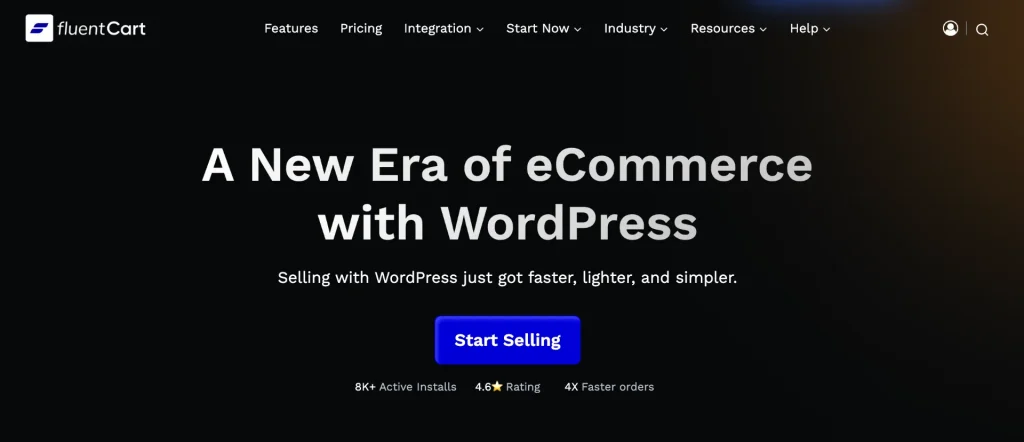
Quick disclosure: FluentCart is built by our team at WPManageNinja. We’ve kept this review fair by listing its limitations too, and by linking to independent tests where we can.
Most WP ecommerce plugins make you choose a lane. One is built for physical goods, another for digital downloads, and a third for subscriptions. If you sell more than one type of product, you end up stitching plugins together.
FluentCart was built to fix that. It lets you sell physical products, digital downloads, subscriptions, and software licenses from one store, with one cart and one checkout.
It even has a dedicated hybrid product type, so a single store can sell a printed workbook, a video course, and a monthly coaching plan side by side.
Setup is the same as any WordPress plugin. You install it, run the guided setup wizard, connect Stripe or PayPal, and add your first product. Shipping zones, tax rules, and checkout are all configured from the same dashboard, so you’re not bouncing between add-on settings pages.
The second thing that sets FluentCart apart is speed. Most WordPress store plugins save order and product data in the same database tables as your blog posts. That works fine with 20 products, but it starts dragging as the catalog and order history grow.
FluentCart stores shop data in its own dedicated tables, separate from WordPress. The benchmark says creating an order took a median 84% fewer database queries than WooCommerce. An independent test by Accelera also found FluentCart gets you closer to passing Core Web Vitals.
And yes, we eat our own cooking. We moved all of WPManageNinja’s products, orders, and customers from Easy Digital Downloads to FluentCart, and our store runs on it today.
Key features
- Hybrid selling: Physical, digital, subscription, and licensed products in one store
- Subscriptions in the free version: Trials, upgrades, downgrades, custom billing cycles, and auto-cancellation, with no extra plugin needed
- Shipping and tax built in: Shipping zones and classes, tax classes, and EU VAT support (OSS, home country, or per-country rates)
- Inventory and fulfillment: Automatic stock updates (even for variations), invoices, and packing slips
- Payments: Stripe and PayPal out of the box, plus regional gateways like Razorpay, Paystack, Mollie, Mercado Pago, Authorize.Net, and Paddle. You can also connect a custom gateway through webhooks.
- Cash on delivery: Handy for local businesses shipping physical goods
- Built-in reports: Revenue, refunds, customer lifetime value, subscription and order heatmaps
- Store design: Gutenberg blocks, Elementor widgets, Bricks and Divi support
- Pro extras: Software licensing, order bumps, installment payments, setup fees, advanced inventory, and upgrade paths
- Ecosystem integrations: FluentCRM for email marketing, FluentAffiliate for affiliate programs, FluentCommunity for gated communities.
Pros and cons
Pros
- Sell physical and digital products from one plugin, with no add-on stack
- Subscriptions, shipping, and tax are in the free version
- Zero transaction fees on both Free and Pro
- Noticeably faster admin and checkout, especially as your store grows
- Lifetime license option, so no yearly renewal treadmill
Cons
- Smaller third-party extension library than WooCommerce (it’s a newer platform)
- Single store currency for now (multi-currency support is planned)
- No live carrier rate calculations (like real-time UPS or FedEx quotes) yet
Pricing
- Free: available on WordPress.org and covers physical and digital products, subscriptions, shipping, tax, coupons, and reports
- Pro (yearly): from $199/year for 1 site
- Pro (lifetime): from $249 one-time for 1 site with a 60-day money-back guarantee
See current FluentCart pricing
Best for
Stores that sell more than one type of product, and anyone who wants subscriptions, shipping, and a fast checkout without buying a stack of extensions.
2. WooCommerce: most popular ecommerce plugin for WordPress
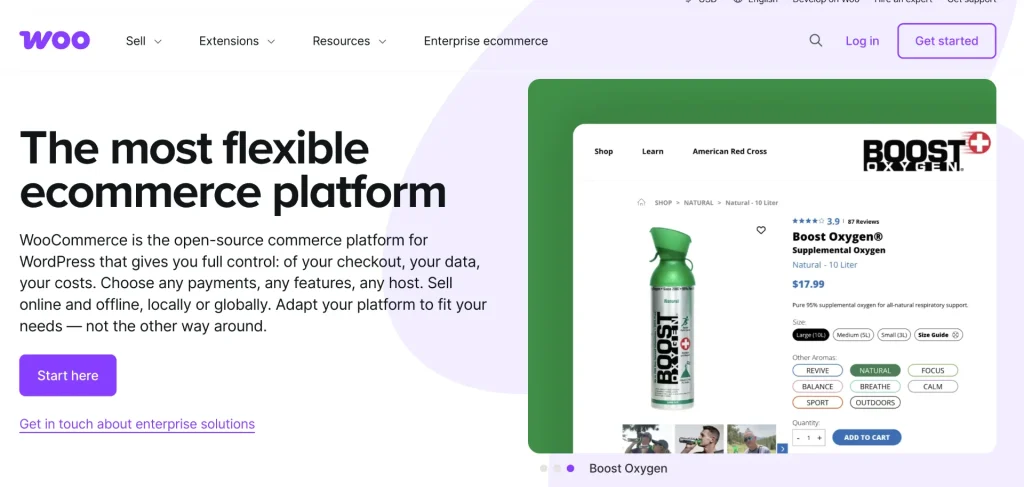
Let’s give credit where it’s due. WooCommerce basically defined ecommerce on WordPress. It has 7+ million active installations, and it’s open source, so you can customize just about anything if you have the skills (or a developer).
Getting started is simple. Install the plugin, go through the setup wizard, pick a theme, and add your products. The core plugin gives you product pages, a cart, a checkout, basic shipping, coupons, and order management.
Its biggest strength is its ecosystem. There are thousands of extensions and themes built for WooCommerce, so if you need a very specific integration, chances are someone has built it.
Here’s the catch, though: WooCommerce is free, the way a car without wheels is free. The core plugin handles the basics, but many features that store owners consider essential, like subscriptions, advanced shipping rules, bookings, and product add-ons, are sold as separate paid extensions.
Each one renews every year. This almost takes thousands of dollars each year.
Key features
- Physical, digital, and variable products
- Built-in cart, checkout, and order management
- Basic shipping zones and tax settings
- Coupons and discount codes
- Block-based store editing
- WooPayments, Stripe, PayPal, and many other gateways
- Thousands of free and paid extensions
Pros and cons
Pros
- The largest ecosystem of extensions, themes, and developers
- Open source with complete code-level control
- Huge community and tons of tutorials
- Handles complex physical-product stores with specialized shipping needs
Cons
- Essential features like subscriptions and advanced shipping cost extra every year
- Costs climb as you add extensions
- More plugins mean more updates, more compatibility checks, and more things that can break
- Stores data in general WordPress tables, which can slow things down as orders pile up
- Steeper learning curve for beginners
Pricing
- Core plugin: free
- Common paid extensions (yearly):
- WooCommerce Subscriptions: $279/year
- WooCommerce Bookings: $249/year
- Table Rate Shipping: $119/year
- Product Add-Ons: $79/year
- Plus hosting, a premium theme, and payment processor fees
Best for
Established physical-product stores that depend on a specific integration only available in the WooCommerce ecosystem, and teams with a developer on hand.
3. Easy Digital Downloads: best for digital-only stores
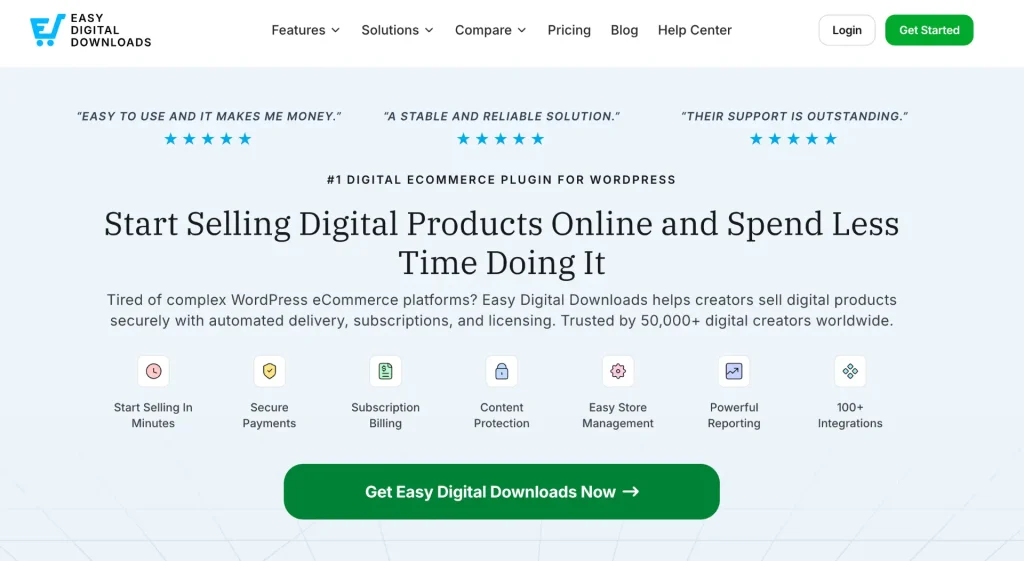
Easy Digital Downloads (EDD) does one thing and does it well: selling digital products. Think ebooks, music, photos, templates, and software.
Because it skips everything related to physical goods, there’s no shipping or physical inventory to deal with, and the setup stays clean. Still it considered one of the best ecommerce plugins for WordPress.
You upload your file, set a price, and publish. Customers get a download link right after they pay.
Where EDD really shines is in software. With the right pass, you get license key generation, activation limits, and automatic update delivery, which is why so many plugin and theme developers use it as their WordPress ecommerce solution.
Key features
- Unlimited digital products with secure file delivery
- Full cart and checkout
- Customer management and download tracking
- Discount codes
- Stripe and PayPal support
- Recurring payments (Extended Pass and up)
- Software licensing (Professional Pass and up)
- Lots of official extensions
Pros and cons
Pros
- Purpose-built for digital products, so it stays simple
- Excellent software licensing tools
- Mature plugin with a long track record
- Works with most WordPress themes
Cons
- Not built for physical products (shipping needs an extension)
- Subscriptions aren’t in the free version; you need at least the Extended Pass
- The free version adds a 3% fee on Stripe transactions
- Pass renewals add up if you need licensing and subscriptions
Pricing
- Free: available on WordPress.org
- Personal Pass: $99.50/year (1 site)
- Extended Pass: $199.50/year (adds recurring payments)
- Professional Pass: $299.50/year (adds software licensing)
- All Access Pass: $499.50/year
Best for
Creators and developers who only sell digital products and never plan to ship anything physical.
4. SureCart: best for quick setup with a hosted checkout

SureCart takes a different approach. You manage products and orders from your WordPress dashboard, but the heavy lifting, including checkout processing, happens on SureCart’s own servers. It’s a bit of a hybrid between a WordPress plugin and a hosted platform.
That means less load on your site and a quick setup. The trade-off is that your store depends on an outside service to keep running.
SureCart supports physical products, digital products, and subscriptions, along with order bumps and upsells.
Key features
- Physical, digital, and subscription products
- Hosted, secure checkout
- Order bumps and upsell funnels
- Abandoned cart recovery
- Stripe, PayPal, Mollie, Apple Pay, and Google Pay
- Works with most themes and page builders
- Integrations with LMS, membership, and CRM plugins
Pros and cons
Pros
- Fast setup with a lot of features in the free plan
- Less server load since checkout runs off-site
- Good built-in conversion tools
Cons
- The free Launch plan adds a 2.9% fee on every transaction
- Your store depends on SureCart’s external platform
- Pricing has changed several times, so it’s harder to plan long-term
Pricing
- Launch: free, with a 2.9% transaction fee
- Pro: from $199/year, or $599 one-time for lifetime, with no transaction fee
Best for
Store owners who want a quick start and are comfortable with part of their store running on a third-party service.
5. Ecwid: best for selling on multiple channels
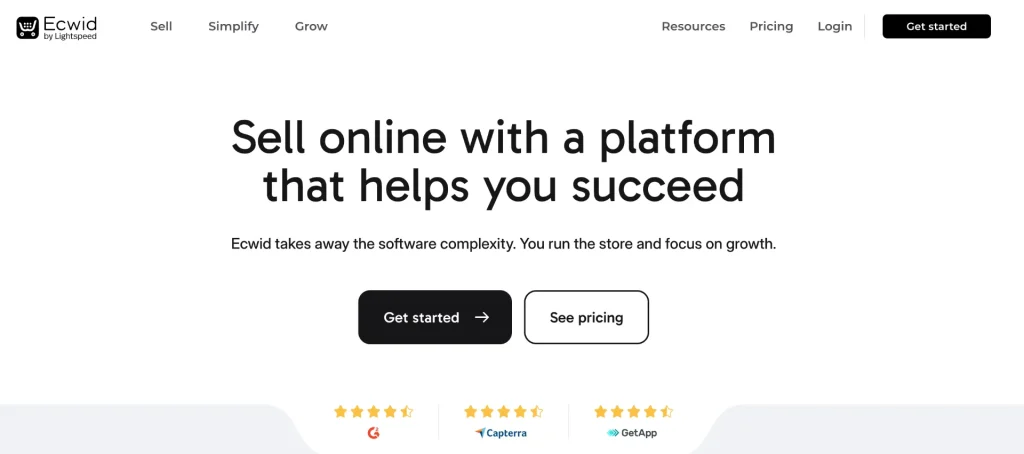
Ecwid is a hosted ecommerce platform with a WordPress plugin that lets you manage the store right from your dashboard. You add products through blocks, and the store works with pretty much any theme.
What makes Ecwid stand out as a modern-day WordPress ecommerce solution is multichannel selling.
From one catalog, you can sell on your WordPress site, social media, and marketplaces, which is great if you’re not only selling through your website.
One thing to know: if you’ve read older reviews mentioning Ecwid’s free plan, that’s out of date. Ecwid retired its free plan, and the entry point is now a paid Starter plan.
Key features
- Manage your store from inside WordPress
- Gutenberg blocks for products, buy buttons, and categories
- Embeddable store to sell on social media and marketplaces
- Multi-language catalogue
- Mobile app for managing orders on the go
- No transaction fees on any plan
- Abandoned cart recovery on higher plans
Pros and cons
Pros
- Very beginner-friendly
- Easy multichannel selling
- No transaction fees
- Works with any WordPress theme
Cons
- No free plan anymore
- Product limits on lower plans (the Starter plan allows 10 products)
- Your store data lives on Ecwid’s platform, not your site
- Some features need paid third-party apps
Pricing
- Starter: $5/month (up to 10 products)
- Venture: $29/month billed annually
- Business: $49/month billed annually
- Unlimited: $119/month billed annually
Best for
Beginners and small businesses that want to sell across their website, social media, and marketplaces from one place.
6. MemberPress: best for memberships and online courses
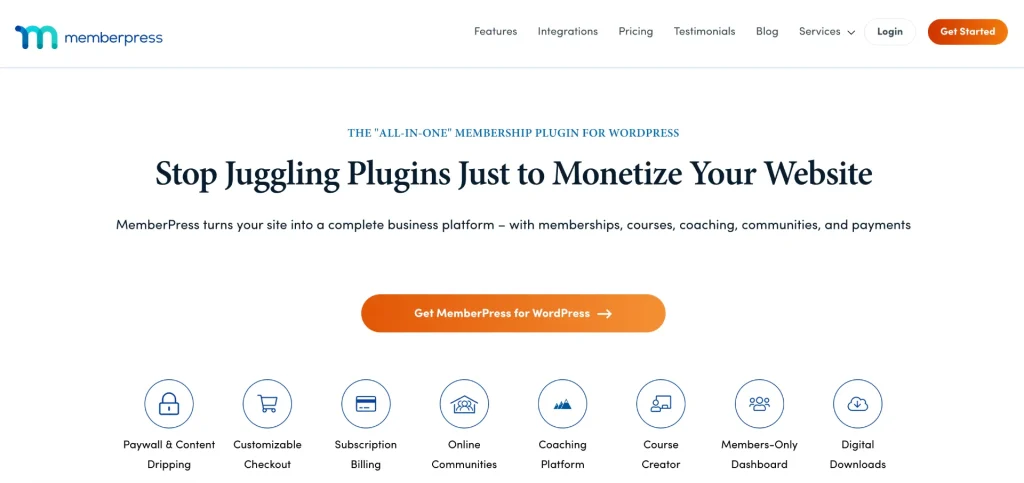
MemberPress isn’t a traditional store plugin. It’s built for selling access, whether that’s a membership, a course, premium content, or a community.
You create membership levels, decide what content each level can see, and MemberPress handles the recurring billing and access control. It also includes a course builder and content dripping, so you can release lessons over time.
If your “product” is content or access rather than physical goods, MemberPress is one of the most complete options out there.
Key features
- Unlimited membership levels and members
- Content restriction and drip scheduling
- Built-in course builder
- Recurring billing with Stripe and PayPal
- Coupons and pricing pages
- Integrations with email marketing tools
Pros and cons
Pros
- Powerful and flexible access control
- Courses and memberships in one plugin
- Beginner-friendly setup wizard
Cons
- Not built for selling physical products
- The entry Launch plan adds a 4.9% fee on every payment
- First-year pricing is discounted and renews at the full rate
- No free version
Pricing
- Launch: $199.50 for the first year, then $399/year (plus 4.9% transaction fee)
- Growth: $349.50 for the first year (no transaction fee)
- Scale: $499.50 for the first year (no transaction fee)
See current MemberPress pricing
Best for
Creators, coaches, and educators who sell memberships, courses, or gated content.
7. WP EasyCart: best for small, simple stores
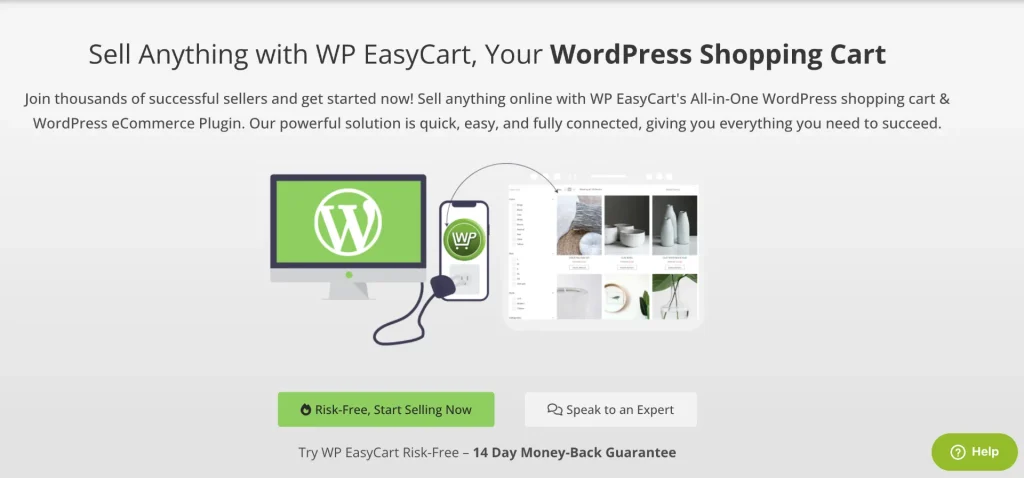
WP EasyCart is a straightforward all-in-one shopping cart for people who find WooCommerce too much. The interface is simpler, and you get most of what a small store needs without hunting for extensions.
It handles PCI compliance for you, which takes some of the security worry off your plate. It also plays nicely with caching plugins and includes a WooCommerce product importer, which helps if you’re switching over.
Key features
- Physical and digital products
- Subscriptions and gift cards on paid plans
- Sales and performance reports
- PCI-compliant payment handling
- WooCommerce product importer
- Caching plugin compatibility
Pros and cons
Pros
- Simple, beginner-friendly interface
- Security and PCI compliance handled for you
- Easy migration from WooCommerce
Cons
- Free version lacks marketing tools and charges a transaction fee
- Less customization than bigger platforms
- Extensions are only available on the highest tier
Pricing
- Free: available with limited features
- Paid plans: from around $69/year
Best for
Small store owners who want a simple cart without a big learning curve.
The Real Cost of “Free”: WooCommerce vs FluentCart
This is the part most “best plugin” lists skip, and it’s the part that affects your bank account the most.
WooCommerce is free to download. But once you add the features a modern store actually needs, you’re buying extensions, and every one of them renews every year.
Independent estimates put a typical stack of subscriptions, advanced shipping, marketing automation, and bookings at $600 to $900 a year in extensions alone. (Source)
WooCommerce Vs FluentCart
Let’s make that concrete. Say you run a hybrid store: you sell printed merch, digital downloads, and a monthly subscription box. Here’s what each plugin needs to support that:
| What your store needs | WooCommerce | FluentCart |
|---|---|---|
| Physical + digital products | ✅ Free core | ✅ Free |
| Hybrid products in one checkout | Often needs extensions | ✅ Free |
| Subscriptions | 💰 $279/year | ✅ Free |
| Shipping zones and classes | ✅ Free core | ✅ Free |
| Advanced shipping rules | 💰 ~$99 to $119/year | ✅ Shipping classes and regional rules included |
| EU VAT handling | Extension or third-party service | ✅ Free |
| Product add-ons/setup fees | 💰 $79/year | Pro |
| Order bumps / upsells | 💰 ~$79 to $99/year | Pro |
| Software licensing | 💰 Third-party plugin | Pro |
| Transaction fees | None from Woo (gateway fees only) | None on Free or Pro |
The math for our example store:
- WooCommerce: Subscriptions ($279) + Table Rate Shipping (~$99) + Product Add-Ons ($79) + an upsell extension (~$79) = about $536 a year, renewing every year. Over three years, that’s roughly $1,600.
- FluentCart: The free version already covers hybrid products, subscriptions, and shipping. Want order bumps, setup fees, and advanced inventory? Pro is $249 one-time on the current lifetime offer. Over three years, that’s still $249.
To be fair to WooCommerce: if your business depends on a very specific integration that only exists in its ecosystem (say, a niche shipping carrier or a marketplace connector), paying for those extensions can absolutely be worth it.
But for most new and growing stores, especially ones selling more than one type of product, the “free” plugin ends up being the more expensive one.
Don’t need a full store? Simpler ways to sell on WordPress

Here’s something a lot of guides won’t tell you: you might not need an eCommerce plugin at all.
If you’ve got a small store selling a single or limited product, charging for a service, or collecting event registrations, a full cart and checkout is overkill. A payment form plugin gets the job done with less setup.
For example, Paymattic lets you build payment forms with 14+ payment gateways, showcasing your products with the tabular product field item, right inside WordPress.
When your needs grow into a real product catalog, that’s when an ecommerce plugin like FluentCart makes sense.
How to Choose the Right Ecommerce Plugin for WordPress
Still not sure? Match your situation to the right pick:
- You sell a mix of physical and digital products → FluentCart
- You want subscriptions without paying for an extension → FluentCart
- You need a fast store that won’t slow down as you grow → FluentCart
- You rely on a niche integration only WooCommerce has → WooCommerce
- You only sell digital downloads or software → Easy Digital Downloads
- You sell memberships or courses → MemberPress
- You want to sell across social media and marketplaces → Ecwid
- You want the simplest possible setup for a tiny store → WP EasyCart
And before you commit, run through this quick checklist:
- What are you selling? Physical, digital, subscriptions, or a mix?
- Which payment gateways work in your country?
- Are there transaction fees on the plan you’re considering?
- What will it cost after year one, once you add the features you need?
- Can your hosting handle it? Lighter plugins are more forgiving.
- How hard is it to switch later? Look for import and migration tools.
Frequently asked questions
What is the best ecommerce plugin for WordPress?
For most stores, FluentCart is the best all-around choice. It handles physical products, digital downloads, and subscriptions in one plugin, with no transaction fees and subscriptions included in the free version. WooCommerce is the most popular option and the best fit if you need a niche integration from its extension marketplace.
Is WooCommerce really free?
The core plugin is free. But many essential features, like subscriptions, bookings, and advanced shipping rules, are paid extensions that renew yearly.
Can I sell physical and digital products in the same WordPress store?
Yes. FluentCart supports this natively, including a dedicated hybrid product type, so customers can buy a physical item and a digital download in the same checkout. WooCommerce can do it too, though more complex setups often need extensions.
Can I build an online store on WordPress without WooCommerce?
Absolutely. FluentCart, Easy Digital Downloads, SureCart, Ecwid, and WP EasyCart are all complete alternatives. WooCommerce is popular, but it’s not required.
What’s the best free ecommerce plugin for WordPress?
FluentCart’s free version is one of the most complete, with physical and digital products, subscriptions, shipping, tax, and zero transaction fees. WooCommerce’s free core is also solid for basic stores, but you’ll likely need paid extensions as you grow.
Which plugin is best for selling digital products?
Easy Digital Downloads is a strong specialist for digital-only stores.
Do WordPress ecommerce plugins charge transaction fees?
Some do. SureCart’s free plan charges 2.9%, MemberPress’s Launch plan charges 4.9%, and EDD’s free version adds 3% on Stripe payments. FluentCart and WooCommerce don’t charge transaction fees. You’ll only pay your payment processor’s standard fees.
Can I switch ecommerce plugins later?
Yes, but it takes some work. Look for plugins with built-in migration tools. FluentCart, for example, includes a store migrator for moving products, orders, and customers over from other platforms.
Final Thoughts
There’s no shortage of WordPress ecommerce plugins, but they’re not all built for the same kind of store.
WooCommerce is still the industry’s most popular plugin, and it’s a solid pick if you need something only its huge ecosystem offers. Easy Digital Downloads is great for digital-only sellers, and MemberPress is the go-to for memberships.
But if you want one plugin that sells physical and digital products together, includes subscriptions without charging extra, and stays fast as you grow, FluentCart is the one I’d start with. You can try the free version on WordPress.org and have your first product live in minutes.

Hey! Tipu here, working as a Marketing Strategist at Paymattic & AzonPress. A nature lover who is addicted to exploring history. In my leisure, you’ll find me playing with different musical instruments.
-

Ecommerce SMS Marketing: Strategies, Examples & Best Practices
Learn ecommerce SMS marketing strategies, campaigns, and best practices to -

Omnichannel Marketing: 7 Steps to a Connected Shopping Experience
It’s never too late to upgrade your marketing plan. Whether -

FluentSMTP Review: Whats Inside this 700K+ WordPress SMTP Plugin?
Check our FluentSMTP review blog to Discover whats inside this


Comments
-
Great list of plugins, I just want to add one more plugin that I am using, TrackMage Woo Shipment Tracking. I truly recommend it.
They also track China EMS and AliExpress – so no problems with dropshipping from China tracking. It allows my customers to see where their package is without asking me and redirecting them to 17track


Leave a Reply
You must be logged in to post a comment.