

Best WordPress Shopping Cart Plugins to Get Your Store Up and Running
Are you looking for the right WordPress shopping cart plugin to enable payment options on your online store?
WordPress is the most popular platform to build your website, in fact, 41.5% of websites worldwide use WordPress. But, WordPress doesn’t have a built-in shopping cart, although you need one to make your online store functional.
Here come WordPress plugins with shopping cart facilities to alleviate soreness. By enabling one of the plugins, you will be able to create a shopping cart for your WordPress website.
There are both free and paid tools available, and I’ll try to discuss some of them so that you can choose the right one easily. On a quick note, there is a bundle of cart plugins in the WordPress repository, but not all of them qualify as carts or are popular enough to be selected for your job.
Let’s move on to the discussion and check out each plugin’s features. Before that, I’ll briefly explain the necessity of a shopping cart plugin.
Key Takeaways
- WordPress requires a shopping cart plugin to sell products, process payments, and manage orders.
- FluentCart and WooCommerce are versatile options for selling both physical and digital products, while Easy Digital Downloads is built specifically for digital sales.
- Hosted solutions like Ecwid and BigCommerce offer additional flexibility for businesses that want a cloud-based commerce platform.
- The best plugin for your store depends on your product type, required features, budget, and future growth plans.
- A fast, user-friendly shopping experience can improve conversions and encourage repeat purchases.
The benefits of a WordPress shopping cart plugin
As I’ve mentioned above, WordPress is the most popular platform for making any type of website, but it doesn’t have a default cart feature for payment processing.
You can make websites where you write blog posts and share your thoughts in various formats. You can do a lot of other things; the possibilities are endless, though. But when it comes to receiving payments or selling products via your website, you need a third-party option.
With a shopping cart plugin, you can manage sales and payment processing. Let’s take a look at what more can be done:
- Sell multiple products
- Allow people to buy products and give them suggestions to upsell
- Have a dedicated cart page where people can see their selected items
- Process payments for credit cards during the checkout
- Make the shopping experience smoother
Well, that’s the tip of the iceberg. With some shopping cart plugins, you can even accomplish a lot more, such as maintaining shipping and advanced order management. With some integrations, you can keep your customers in contact lists, and send them offers later.
7 best WordPress shopping cart plugins
From a lot of WordPress shopping cart plugins, I’ve selected a few that you can try for your online store:
- FluentCart
- WooCommerce
- Easy Digital Downloads
- Ecwid Shopping Cart
- WP EasyCart
- Menu Cart for WooCommerce
- BigCommerce
1. FluentCart

FluentCart is a modern eCommerce plugin for WordPress built from the ground up for performance. FluentCart is developed by the same team that built FluentCRM, Fluent Forms, and Fluent Support. It brings a noticeably different approach compared to older solutions. For example, a development-friendly codebase, faster order processing, and built-in features that typically require paid extensions elsewhere.
One of the more practical things about FluentCart is that it lets you manage physical products, digital products, subscriptions, and license-based products from a single dashboard. You can sell physical goods with inventory tracking, shipping classes, and order slips, or sell digital downloads with AWS S3 file delivery, built-in license handling module, and subscription billing, all without switching plugins.
Payment support includes Stripe and PayPal out of the box on the free plan, with Mollie, Square, Authorize.net, Razorpay, Paystack, Paddle, and more available in Pro. There are no platform transaction fees at any tier, which matters when you’re comparing the long-term cost of running a store.
The free version of FluentCart is more complete than most “lite” plugins. You can run a real store, including subscriptions, coupons, product variations, customer accounts, and basic reporting, without upgrading.
Pro adds advanced analytics, license management, inventory tracking, order bumps, and additional payment gateways for sellers who need them.
A few things worth knowing:
- Store design: FluentCart ships with Gutenberg blocks and Bricks support built in. Elementor support (16+ widgets) is available as a free addon, so you’re not locked into a specific page builder.
- Headless support: The plugin exposes a full REST API for custom storefronts or JavaScript frameworks.
- Integrations: Native integrations with FluentCRM (email marketing), Fluent Support (helpdesk), FluentCommunity, FluentAffiliate, LearnDash, LifterLMS, and Eventin, among others.
- Migration: A FluentCart Migrator addon makes it possible to bring over data from other plugins to FluentCart. (EDD Only & CSV Product Import)
- EU VAT: Built-in EU VAT and global tax handling is included in both free and Pro plans.
Pricing for Pro starts at $199/year for a single site, with lifetime license options starting at $249 for one site (for a limited time only). There are also multi-site and agency tiers available.
If you’re starting a new store, or looking for a fasters, lighter, affordable WooCommerce alternative that doesn’t require a stack of paid extensions to cover the basics, FluentCart is worth a serious look.
2. WooCommerce
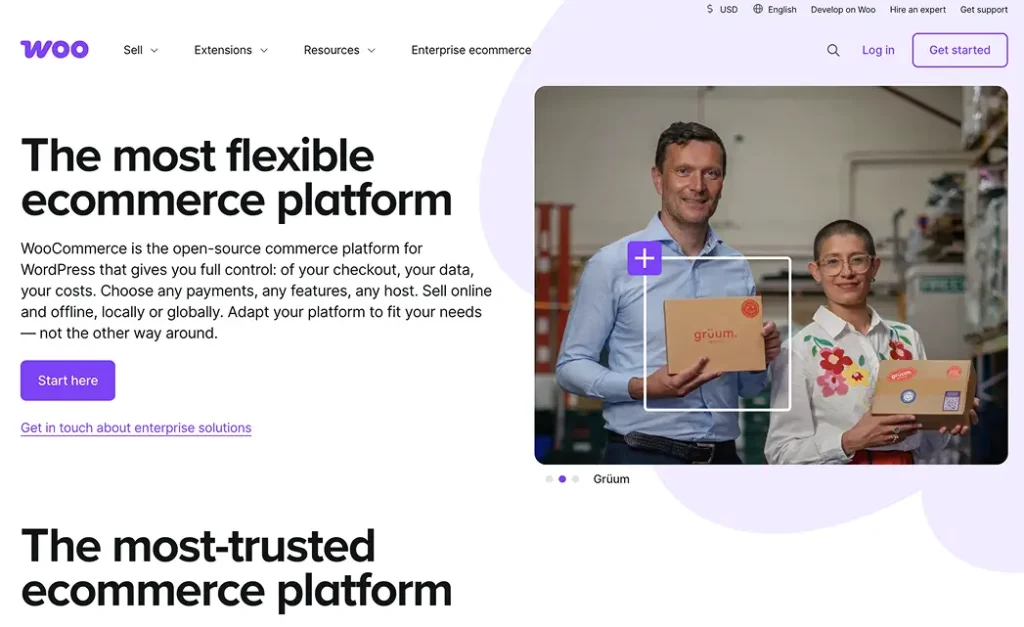
WooCommerce needs no introduction, I believe. It’s almost as popular as WordPress. However, if you start looking for the best way to build an online store, you’ll find that WooCommerce is the most powerful eCommerce plugin that works inside WordPress.
Developed by the core WordPress team, WooCommerce is an open-source tool for making business websites where you can build stores and sell products. From books to flowers, cookies to software, there’s no boundary to creating the online store you’ve been cherished for.
The next big thing is payment, a must-have feature needed for any eCommerce site. WooCommerce offers tons of payment gateways to choose from. That includes Stripe, PayPal, Square, Authorize.net, Amazon Pay, Mollie, and more.
What’s more interesting is you can offer offline payment options so that customers can pay cash on delivery when needed. You can track everything from your orders to stock via the dashboard. For physical products, shipping methods are necessary, and WooCommerce has many shipping options.
The moment you choose WooCommerce, you can also get access to its hundreds of extensions which are super impressive to expand the power of your store. You can choose from various categories, such as payment, pricing, customer service, CRM, and many more.
That said, WooCommerce has some trade-offs worth knowing. The plugin itself is free, but most real-world stores end up paying for several extensions to cover payments, subscriptions, shipping, and CRM. Those costs add up. It’s also built on WordPress’s post system rather than a dedicated database, which can create performance bottlenecks for stores with large catalogs or high order volumes. And for beginners, the learning curve is real.
3. Easy Digital Downloads
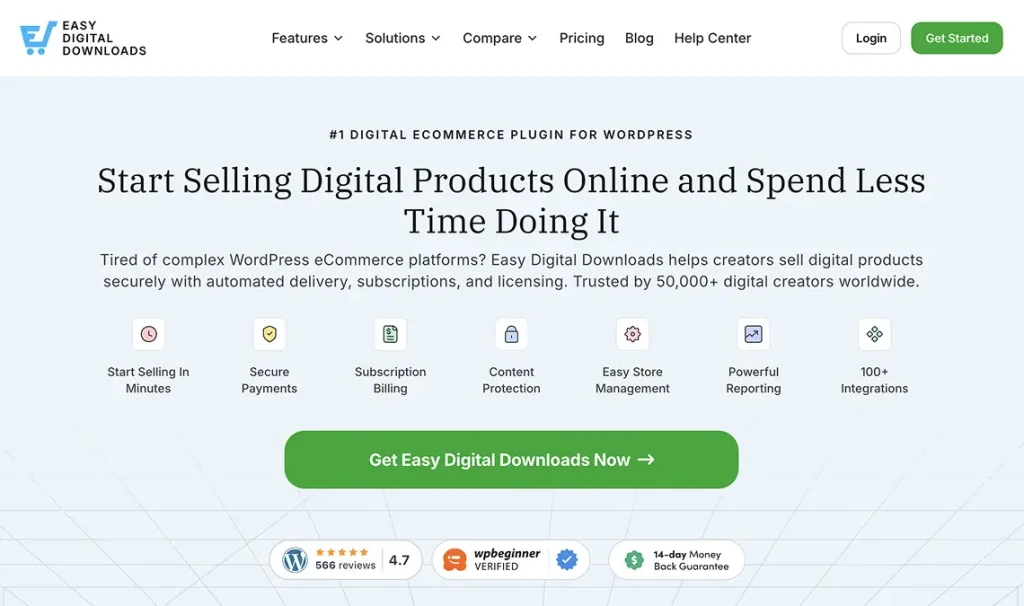
Let’s talk about another WordPress cart solution. I think Easy Digital Downloads is another possible cart solution next to WooCommerce for digital-only products. It’s known among software companies, especially those that sell digital products and services.
Unlike WooCommerce, EDD isn’t fit for physical products. And it’s less overwhelming than WooCommerce. If you offer online services or sell digital products such as eBooks, software, PDF guides, photography, etc., EDD is an option.
You can connect Easy Digital Downloads to a range of payment gateways, including PayPal and Stripe. Shoppers will then be able to choose their preferred payment method when they check out.
Easy Digital Downloads has a huge selection of payment gateways, including Stripe, PayPal, Authorize.net, and Braintree. Well, they have extensions for other categories too.
- Campaign Monitor
- Content Restriction
- ActiveCampaign
- Password Meter
- Mailchimp
- ConverKit
- Recommended Products
- Software Licensing
Their integration list is not as extensive as WooCommerce, but you can accomplish many things with the available tools.
4. Ecwid eCommerce Shopping Cart

Here comes another powerful and user-friendly shopping cart plugin for WordPress. Ecwid is a cloud-based shopping cart platform that allows you to connect to WordPress with a plugin. After establishing the connection, it’s easy to manage your store inside the WordPress dashboard.
You can sell products via Facebook and Instagram shops. More interestingly, they have both iOS and Android apps to manage orders and payments. Since they’re a third-party service provider, you will not have full control over the service. But that won’t create any hassle because you’ll get everything streamlined in your WordPress environment.
Collecting payments is easier with Ecwid. It has its own Lightspeed Payments that support almost all major credit and debit cards, including Google Pay and Apple Pay. However, Lightspeed Payments is currently available in the United States and Canada. But that’s not something to worry about because Ecwid supports 70+ other payment options.
The pricing model has changed since Ecwid’s earlier days. The entry-level Starter plan is now $5/month and supports up to 10 products. The Venture plan at $29/month covers up to 100 products, Facebook and Instagram selling, and mobile store management. For larger catalogs (up to 2,500 products), the Business plan runs $49/month and adds abandoned cart emails and wholesale pricing. Unlimited products are available on the $99/month Unlimited plan. Ecwid does not charge transaction fees on any plan. Prices are based on annual billing; monthly rates are higher.
5. WP EasyCart
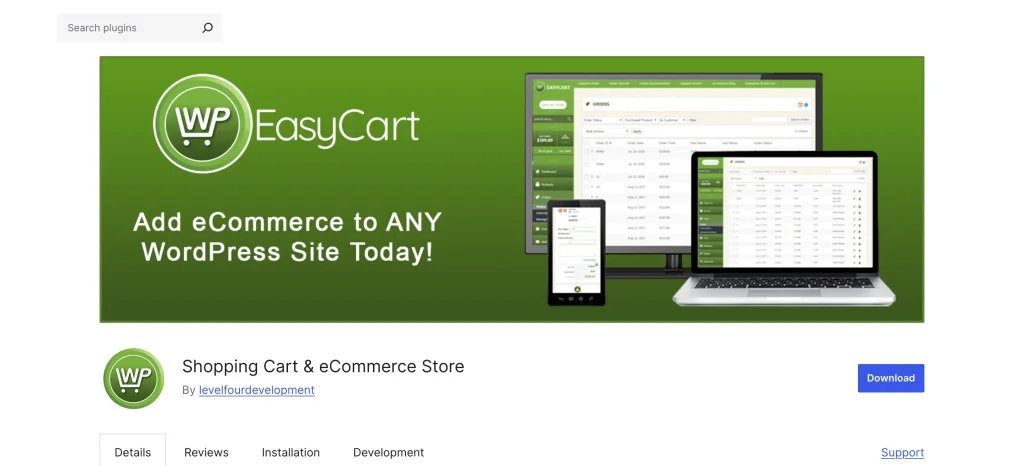
Not all entrepreneurs need a huge platform like WooCommerce. Sometimes, they require a simple option to launch their business. That’s where plugins like WP EasyCart come in handy.
With this plugin, you can make your store live in multiple views that include list, grid, and custom. This is a free plugin with a premium option. By the way, the free version is limited in features, but you can enjoy adding unlimited products and orders. You can use Stripe, PayPal, or Square.
For premium options, they have two plans. One costs $69, and another costs $89 for one year. Let’s have a quick look at what features you can unlock with the pro packages.
- Collect payments with 30+ payment gateways
- Cart design with custom colors and fonts
- Coupons and promotions
- Abandoned cart automation
- Tax automation with TaxCloud
- Custom or live shipping rates
- Advanced product options
- Desktop management app for Windows & iOS
- Android and iOS management apps
- Inventory management
- Facebook and Instagram shop
- MailChimp, ConvertKit, ActiveCampaign
- Shipping with ShipStation, UPS, FedEx
- AffiliateWP marketing
Remember, not all these features are available with any pro package. If you buy the pro package ($69), you will still miss some features. For instance, Mailchimp integration and a Facebook or Instagram shop are available with the premium plan ($89). Make sure before purchasing that you’re selecting the right plan.
6. Menu Cart for WooCommerce
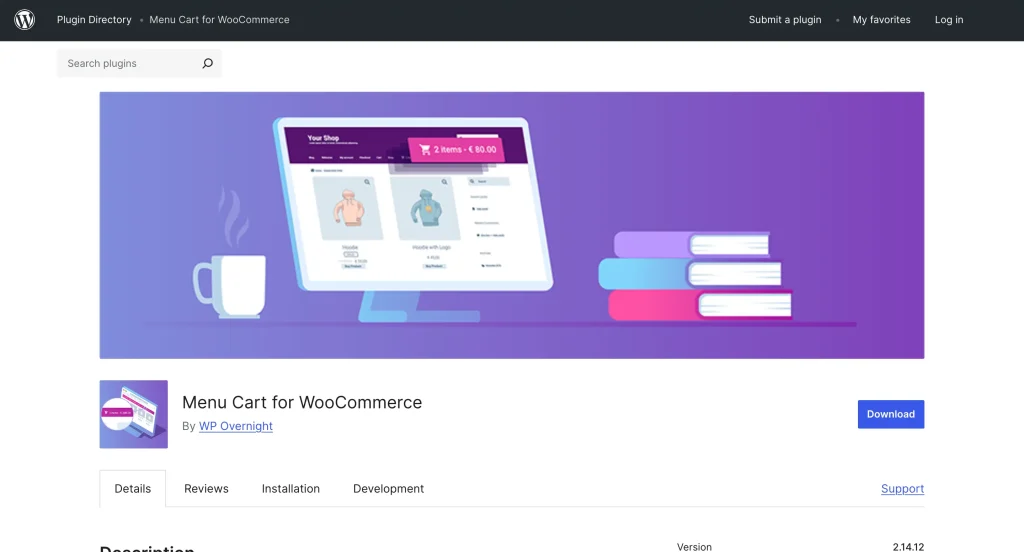
Another simple cart plugin that works with WooCommerce and Easy Digital Downloads. This is not a big plugin with tons of features. But its popularity in the WordPress repo (100K+ active installs) shows how much people love the tool. It simply adds a shopping cart button that appears in the navigation bar so users can see the number of products they have added to the cart.
From the operation procedure, you get the idea that the plugin will not take too much time to install. However, their feature list includes variations of cart icons and different setups for cart displays. Since it also offers a pro version, you can get more cart icons and some other features, like custom CSS, with the premium pack.
See the features in a nutshell. Some of them are paid options.
- Multiple cart icons
- Display cart icon or items/prices
- Utilize custom CSS class
- Float left, float right, or use the default menu settings
- Conditional display
- Shortcode to display carts across your site
The pricing starts at €29.00 per year, with some other variations like multiple sites, custom CSS, etc.
7. BigCommerce

BigCommerce is another eCommerce platform with innovative features to organize your store. By the way, this is solely not a WordPress solution, but one can integrate WordPress using their plugin.
Unlike WooCommerce and EDD, BigCommerce doesn’t have a free plan. For beginners, it may seem a bit pricey. However, the feature line looks great with all the options to make a powerful online store. Have a sneak peek below:
- Apple Pay, Google Pay, Amazon Pay
- Real-time shipping quotes
- Abandoned cart saver
- No transaction fees to use leading payment gateways
- Product filtering
- BigCommerce mobile app
- Headless commerce
Conclusion
So you see, with a WordPress cart plugin, you can provide a user-friendly shopping experience, which is recommended to expand your business. If they feel “personalized”, they’ll tend to come back again. The smoother the shopping experience, the better chance you’ll have of getting customers to buy products from your store.

A published literary author, and a musician. I thrive on marketing for tech companies while composing music, collecting books of lasting depth, exploring cinema with a discerning eye, and studying the arts and history.
-

Ecommerce SMS Marketing: Strategies, Examples & Best Practices
Learn ecommerce SMS marketing strategies, campaigns, and best practices to -

Omnichannel Marketing: 7 Steps to a Connected Shopping Experience
It’s never too late to upgrade your marketing plan. Whether -

FluentSMTP Review: Whats Inside this 700K+ WordPress SMTP Plugin?
Check our FluentSMTP review blog to Discover whats inside this



Leave a Reply
You must be logged in to post a comment.