

5 Best Ecommerce Platforms for Small Businesses in 2026

Picking the wrong ecommerce platform is an expensive mistake most small businesses only make once. They go with the name they’ve heard most, realize it doesn’t fit six months in, and face the real cost: migrating products, rebuilding SEO, retraining on a new admin.
The right platform isn’t the most popular one. It’s the one that fits how you actually sell.
Key Takeaways
Here is what you need to know before choosing a platform for your online store:
- The right platform depends on your product type, tech stack, and real budget, not just brand recognition
- WordPress users keep their SEO, content, and existing design intact by choosing a plugin-based solution
- Shopify is fast to launch but hides costs in transaction fees and paid apps
- BigCommerce is built for scale, better suited for businesses past the early stage
- Ecwid is the smartest option if you already have a website and want to bolt on a store
- Hidden fees matter more than monthly plan price, always calculate total cost of ownership
5 Best Ecommerce Platforms for Small Businesses
We tested these platforms in real-world use cases to compile this list to inform your next business decision.
1. FluentCart
Best for: WordPress users selling digital products, subscriptions, or software
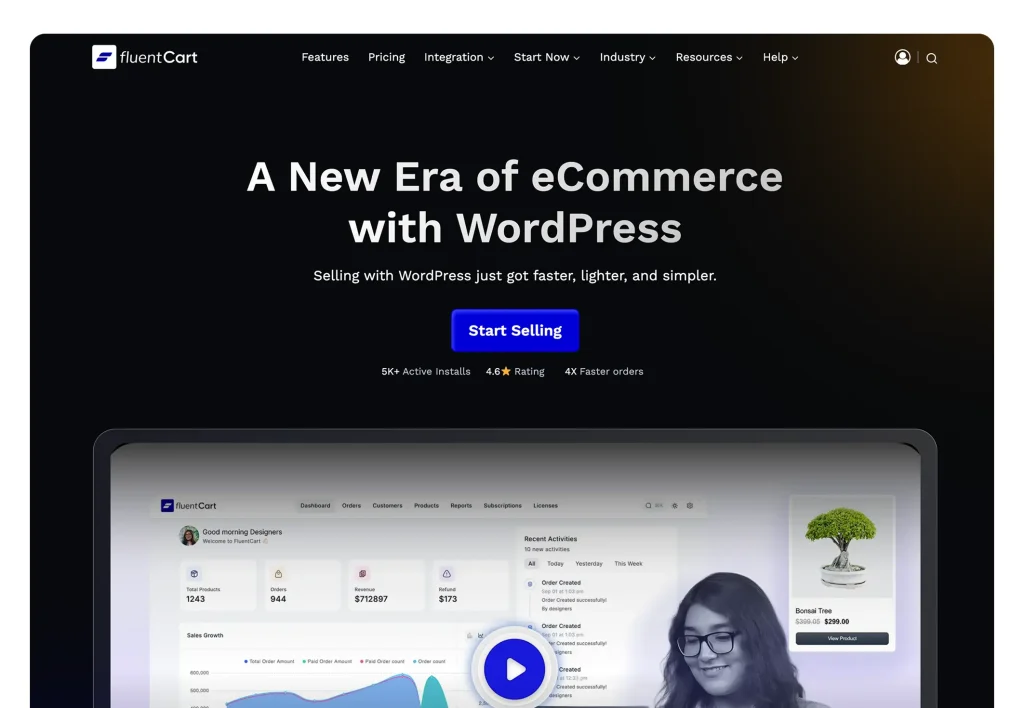
If you’re already on WordPress, migrating to a standalone platform is one of the most expensive mistakes you can make. You lose your content structure, your SEO equity, and your familiar admin, all at once.
FluentCart is a WordPress ecommerce plugin that handles physical products, digital downloads, subscriptions, and license key delivery, all from inside your existing WordPress dashboard. Not a widget. A full commerce layer that lives where you already work.
What actually sets it apart: The Fluent ecosystem integration is tight. If you use FluentCRM for email, FluentCommunity for membership, or FluentSupport for customer tickets, everything connects natively. No patching together three separate platforms just to send a post-purchase email or track what a customer bought. It already knows.
Subscriptions and license management are core features, not paid add-ons. For software sellers, course creators, or anyone running recurring billing, this removes a whole category of plugin dependency.
Zero transaction fees. You pay your payment gateway directly: Stripe, PayPal, Razorpay, Paystack. FluentCart takes nothing.
The headless commerce API means developers can use FluentCart as a backend while building a completely custom frontend. That is a level of flexibility most plugins at this price point simply do not offer.
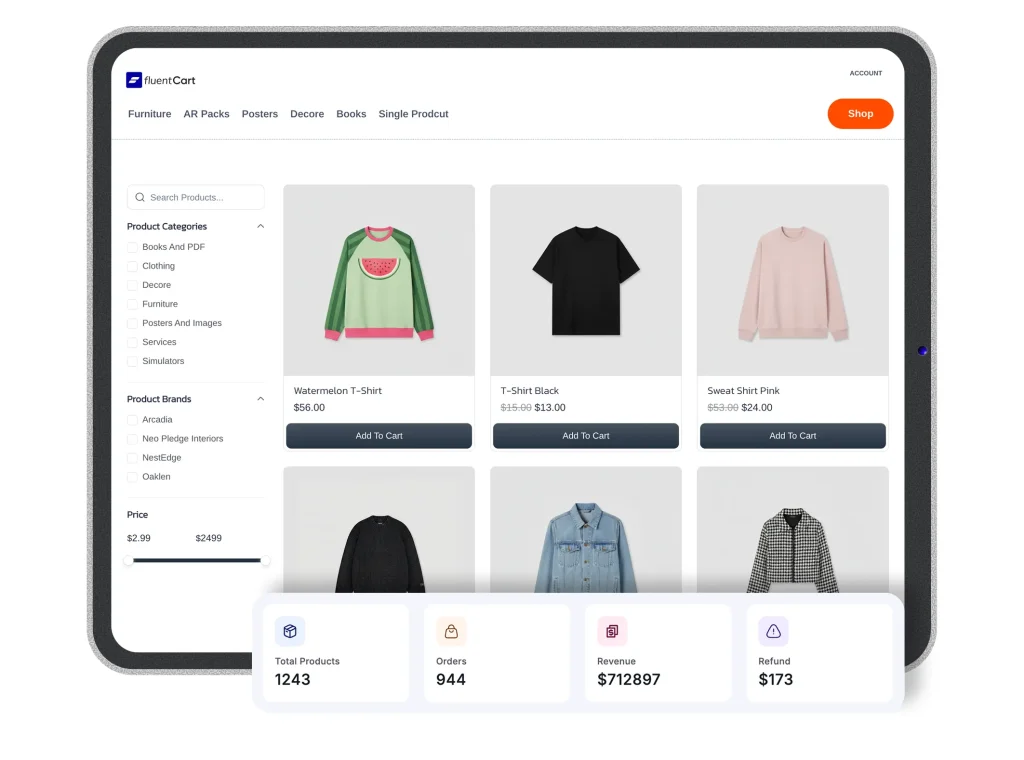
The only real requirement is an existing WordPress site. If you are already there, setup feels like any other plugin. If you are not, start with WordPress first and FluentCart second. Takes an afternoon.
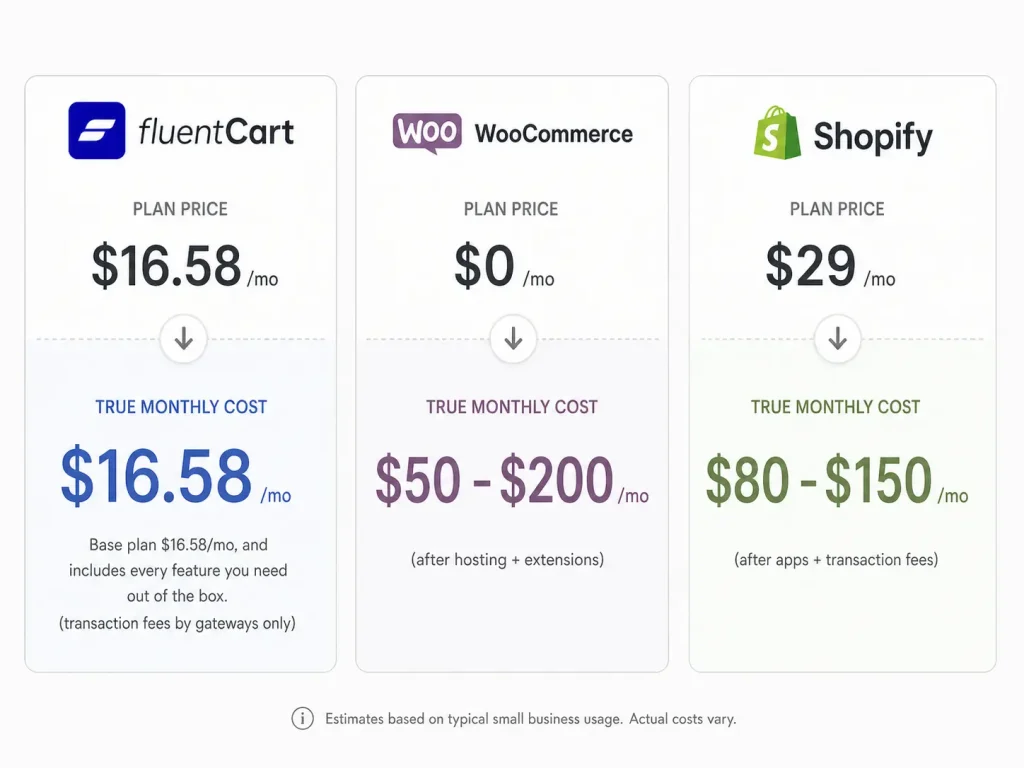
Pricing: Free version available. Pro plans from $149/year. No per-sale fees.
Useful reads: How to make a website to sell products, how to sell WordPress plugins, and the eCommerce management guide for understanding what running a store actually involves.
2. WooCommerce
Best for: WordPress users who want the largest plugin ecosystem and maximum flexibility
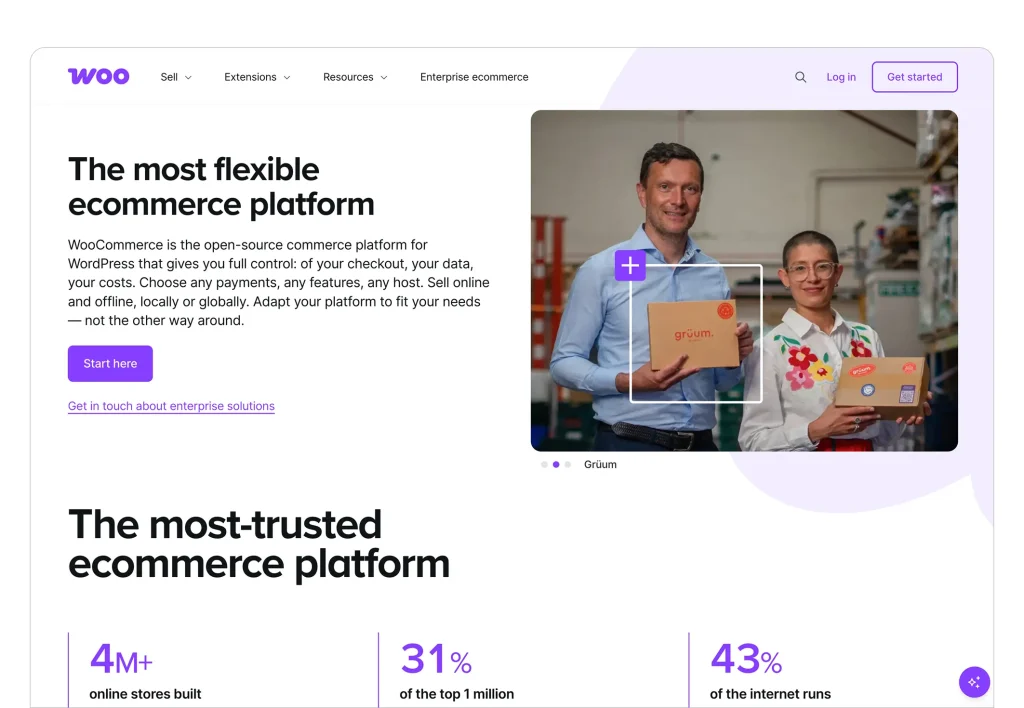
WooCommerce is the open-source standard for WordPress ecommerce. Over 30% of all online stores run on it, and the ecosystem of themes, plugins, and integrations is enormous.
The plugin is free. Here is where the story gets complicated: hosting, SSL, a decent theme, and the extensions you will almost certainly need add up to $50 to $200 per month for a functioning store. That is the honest math most guides skip.
What WooCommerce does well: complete flexibility, full code access, thousands of integrations, and total SEO ownership. If you can imagine it, someone has built a plugin for it.
WooCommerce needs maintenance. Core updates, plugin compatibility, security patches, that is on you. A site breaking after an update means fixing it yourself or calling a developer. Most businesses do not figure this out until they are already in it.
Maximum control for WordPress-comfortable teams. If “debugging plugin conflicts” sounds exhausting, look at the SaaS options below.
Pricing: Free plugin. Hosting $5 to $50/month. Essential extensions $100 to $500/year. No WooCommerce transaction fees, gateway fees apply.
Related: custom eCommerce development vs. using a plugin, worth reading before you commit.
3. Shopify
Best for: Product-first stores that want speed-to-market and don’t mind paying a premium

Shopify is genuinely the fastest path from zero to a live, professional store. No hosting setup, no plugin management, no developer required. Pick a theme, add products, connect payments, go live. That ease is real.
The cost structure is where things get complicated for small businesses.
The Basic plan starts at $29/month annually. Fine. But use a third-party payment processor instead of Shopify Payments and you are hit with a 2% fee on every sale. On $10,000 in monthly revenue, that is $200/month in extra fees before you have spent anything on apps. Reviews, upsells, subscriptions, advanced reporting: features other platforms include natively often sit behind Shopify’s paywall.
Shopify earns it where it counts. Over 8,000 compatible apps, multichannel selling across Instagram, TikTok, and Amazon, and an AI toolset including Shopify Magic and Shopify Sidekick that is ahead of most competitors.
Right choice when you are building a product-first brand, starting from scratch, and want everything managed for you. Wrong choice when you are cost-sensitive, already on WordPress, or need serious B2B features.
Pricing: Basic $29/month (annual). Grow $79/month. Advanced $299/month. Transaction fees apply if not using Shopify Payments.
Here is the full breakdown: FluentCart’s Shopify review.
4. BigCommerce
Best for: Growing businesses with complex catalogs, B2B needs, or international scale
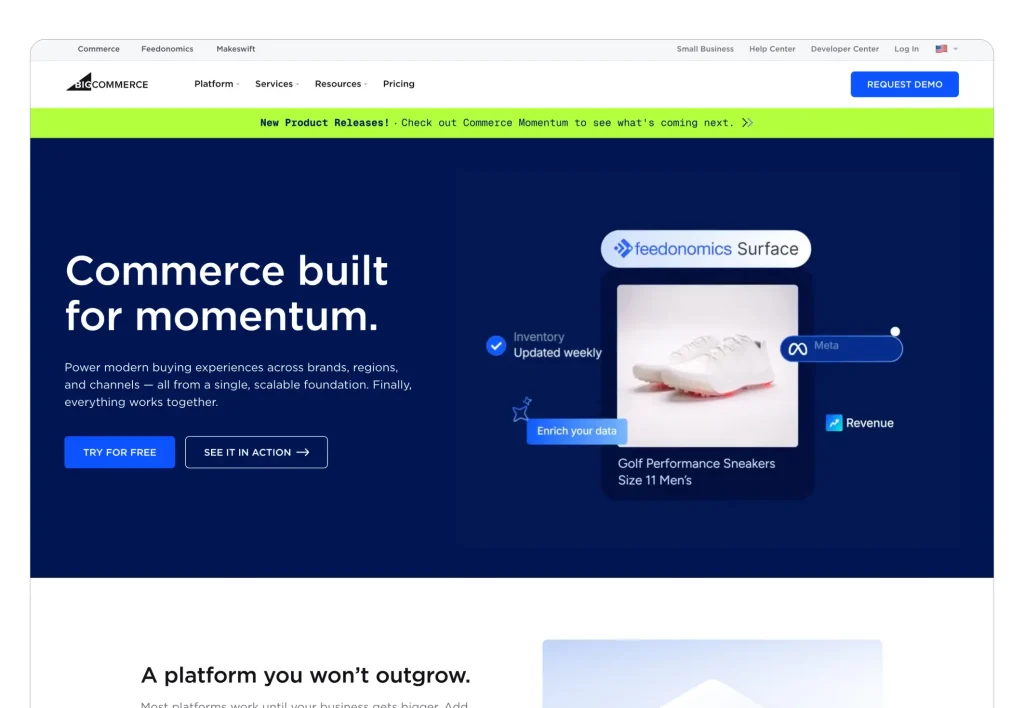
BigCommerce is the answer to a question most small businesses are not asking yet, but will be. If you are moving fast, adding sales channels, or selling wholesale alongside retail, BigCommerce starts making real sense.
Zero transaction fees across every plan. No penalty for using Stripe over a proprietary gateway. At volume, that alone saves thousands annually.
Native B2B tools including customer groups, custom price lists, quote management, and multi-storefront from a single backend are built in, not bolted on. For businesses selling direct-to-consumer and wholesale at the same time, this removes the need for a second platform.
BigCommerce has delivered 100% uptime every Cyber Week since 2016. For stores where Black Friday traffic is a real risk, that is a meaningful data point.
It is too much platform for most early-stage businesses. The interface has a steeper learning curve than Shopify. The theme selection is thinner. Start here only if your business is already past the figuring-it-out phase.
Pricing: Standard $29/month (annual). Plus $79/month. Pro $299/month. Enterprise: custom. Zero transaction fees on all plans.
Here is the full breakdown: FluentCart’s BigCommerce review.
5. Ecwid
Best for: Businesses with an existing website who want to add a store without rebuilding
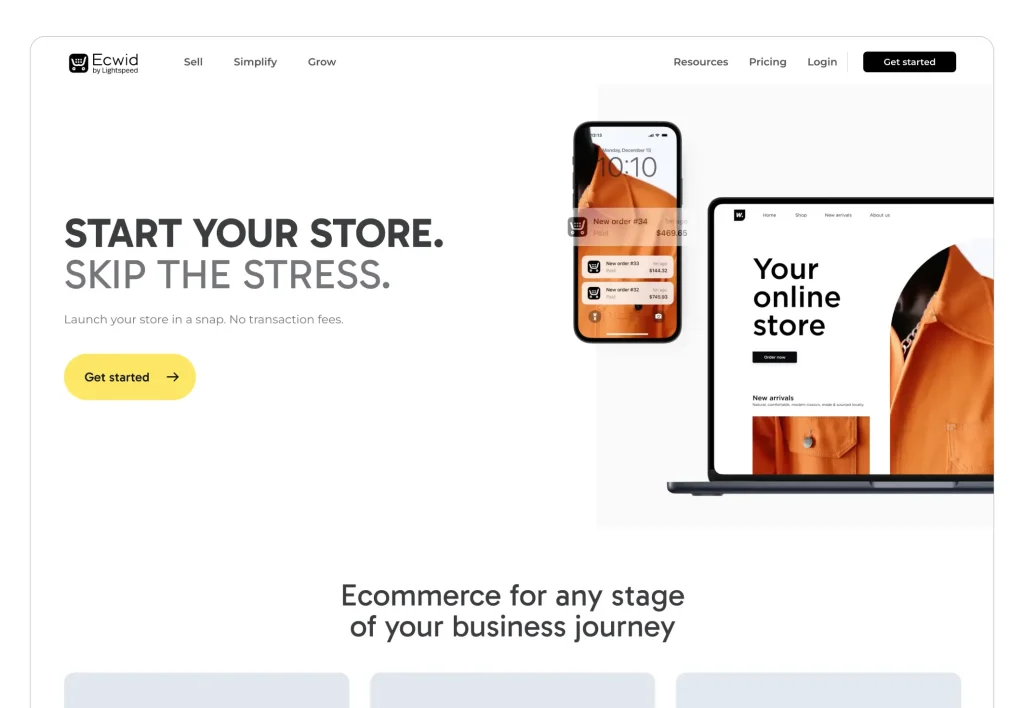
Ecwid works on a different logic to everything else on this list. Instead of building a standalone store, Ecwid lets you add a fully functional online store to any existing website, blog, or social media page through an embeddable widget.
You already have a site on Wix, Squarespace, WordPress, or whatever else, You do not want to migrate. You just want to add selling. That is exactly what Ecwid is for.
The Starter plan at $5/month with 10 products is the cheapest serious ecommerce entry in the market. No transaction fees at any tier. Multichannel sync across Amazon, eBay, Facebook, and Instagram from one dashboard.
Businesses needing a full standalone store, advanced customization, or deep SEO control should look elsewhere. The embedded architecture limits storefront SEO. The app marketplace is narrower than Shopify’s.
The ideal Ecwid user is a photographer adding print sales to their existing portfolio site, or a consultant dropping a digital download onto their Squarespace page. Commerce layered over what is already working, without touching it.
Pricing: Free till 5 products. Premium plan starts with
- Starter $5/month.
- venture $29/month.
- Business $49/month.
- Unlimited $119/month. No transaction fees.
What to Actually Look for in an Ecommerce Platform for Small Businesses
Most comparison articles dump a feature matrix on you and call it done. These questions are more useful:
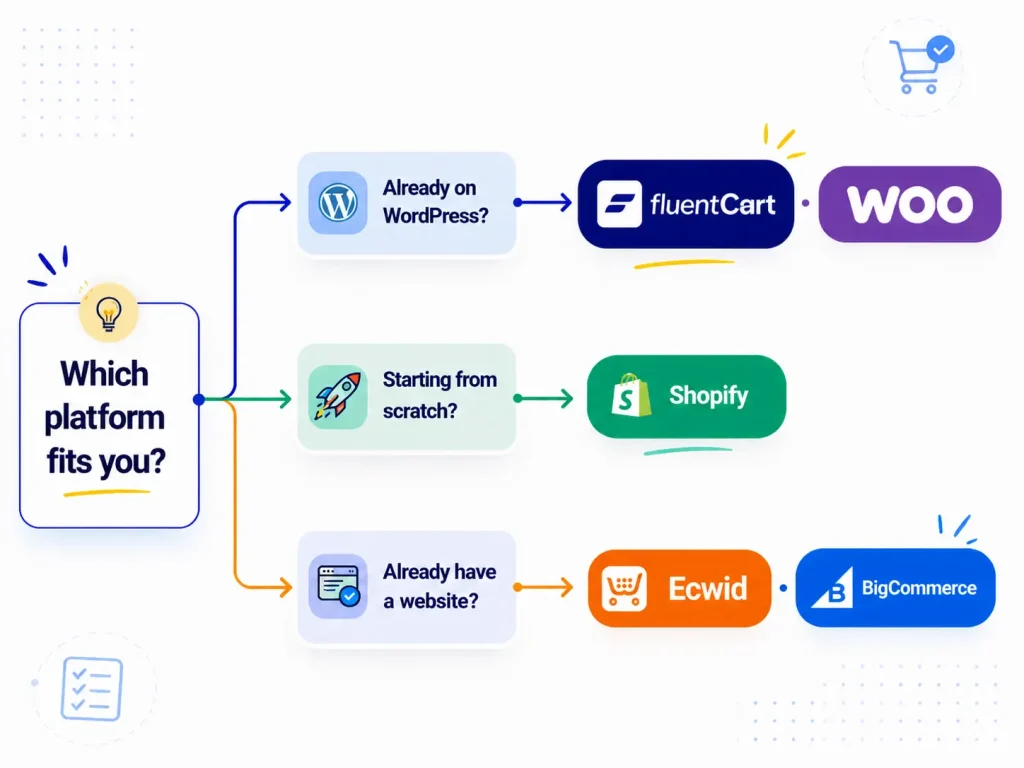
Are you on WordPress? A plugin keeps your SEO authority, content, and design intact. Switching to a standalone platform means starting from scratch on all three.
What are you selling? Physical goods, digital products, subscriptions, and services have different requirements. Some platforms handle one well and stumble on the others.
Who is managing this? A solo founder needs a different tool than a team with a part-time developer. Open-source platforms are powerful but need ongoing maintenance, and nobody mentions that upfront.
What is your real cost? The plan price is rarely the full cost. Transaction fees, paid apps, premium themes, and hosting add-ons can easily double your monthly spend.
Final Verdict
Already on WordPress? Pick FluentCart if you need subscriptions, licenses, or tight ecosystem integration. WooCommerce works best if you want the maximum plugin library.
Starting quick? Shopify has the lowest-friction path. Budget for apps and factor in transaction fees upfront.
Growing fast with complex pricing or B2B? BigCommerce earns its complexity once you are past the early stage. The zero-fee model pays off at volume.
Already have a website and just want to sell? Ecwid is the pragmatic call. No migration, no disruption, no drama.
One thing most comparisons skip: cart abandonment is where revenue quietly dies. According to Statista, over 70% of shoppers leave before completing checkout. The platform you choose directly affects how much friction exists in that moment, and whether you can recover those lost sales.
Choose the ecommerce platform for your small business that fits today, and keeps up as you grow. Start with the full cost picture before signing anything.

Hi, I’m an experienced web designer, and WordPress core contributor. Creating interesting content and products that ensure a 360-degree customer experience is my daily job.
-

Ecommerce SMS Marketing: Strategies, Examples & Best Practices
Learn ecommerce SMS marketing strategies, campaigns, and best practices to -
10 Best jQuery Table Plugins for Best Data Visualization in 2026
Discover the 10 best jQuery table plugins for 2026. Compare -

Omnichannel Marketing: 7 Steps to a Connected Shopping Experience
It’s never too late to upgrade your marketing plan. Whether


Leave a Reply
You must be logged in to post a comment.