

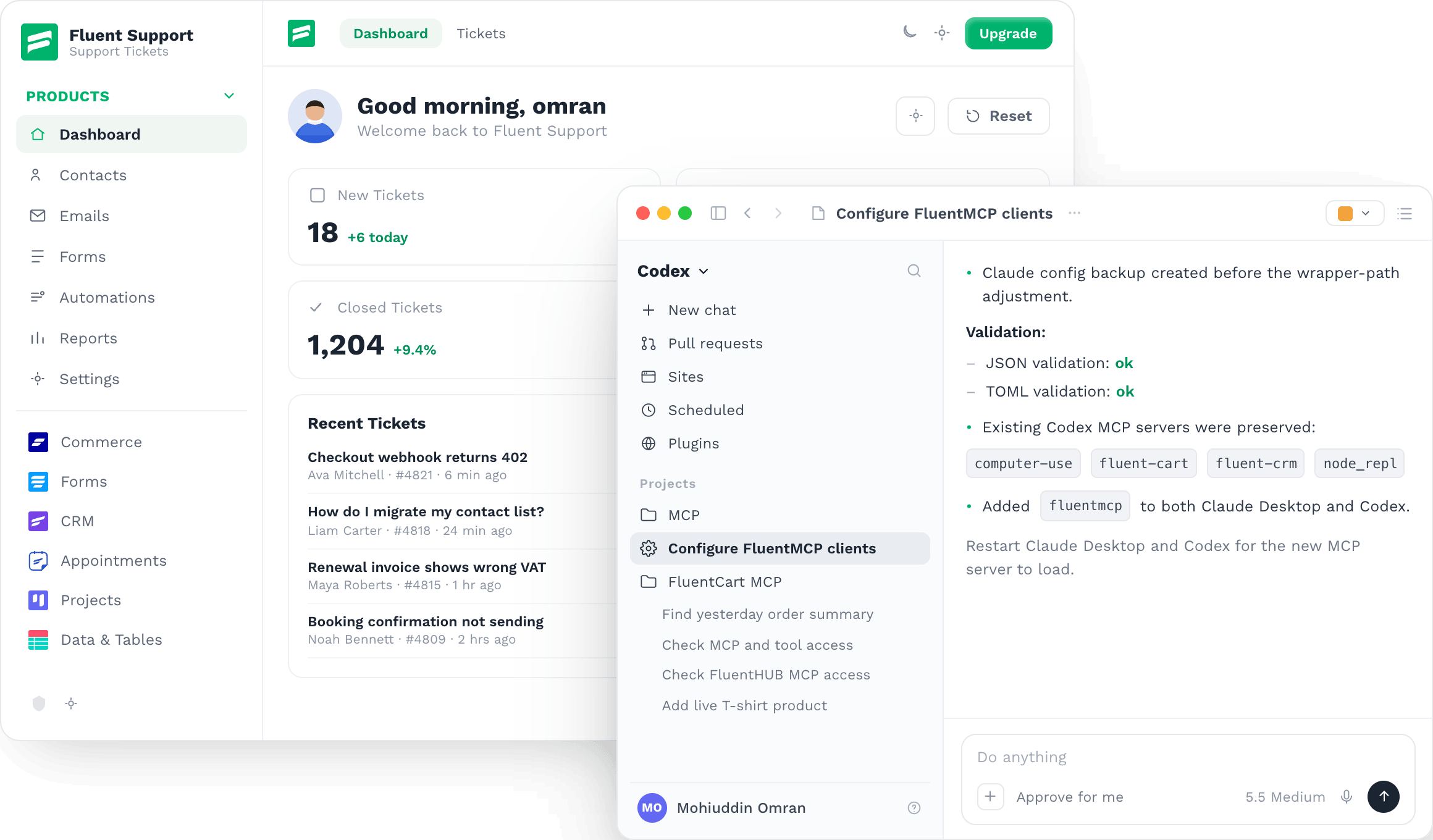
One Dashboard. One Agent. Your Whole Fluent Business.
One dashboard for every Fluent plugin. One URL that connects Claude, Codex, GitHub Copilot or Cursor to FluentCRM, Fluent Support, FluentCart, FluentBoards, FluentBooking and FluentCommunity. Sign in with WordPress and start asking.
Free pluginSign in with WordPressNo passwords to copy
Works with:

Codex

Claude

Cursor
GitHub Copilot, Claude Code and any MCP app
Every Fluent plugin in one dashboard AI = your agent can use it too

FluentCRM

Fluent Forms

FluentCart

Fluent Support

FluentBooking

FluentCommunity

FluentBoards

Ninja Tables

Paymattic

FluentSMTP

WP Social Ninja

Fluent Affiliate

AzonPress

FluentPlayer

FluentMembers
Your Fluent Tools Already Work Together. Now Manage Them Together.
FluentHub gives you one place to access your products, manage connections, and understand what is happening across your business.
One home for CRM, commerce, forms, support, bookings, projects, payments, and data.
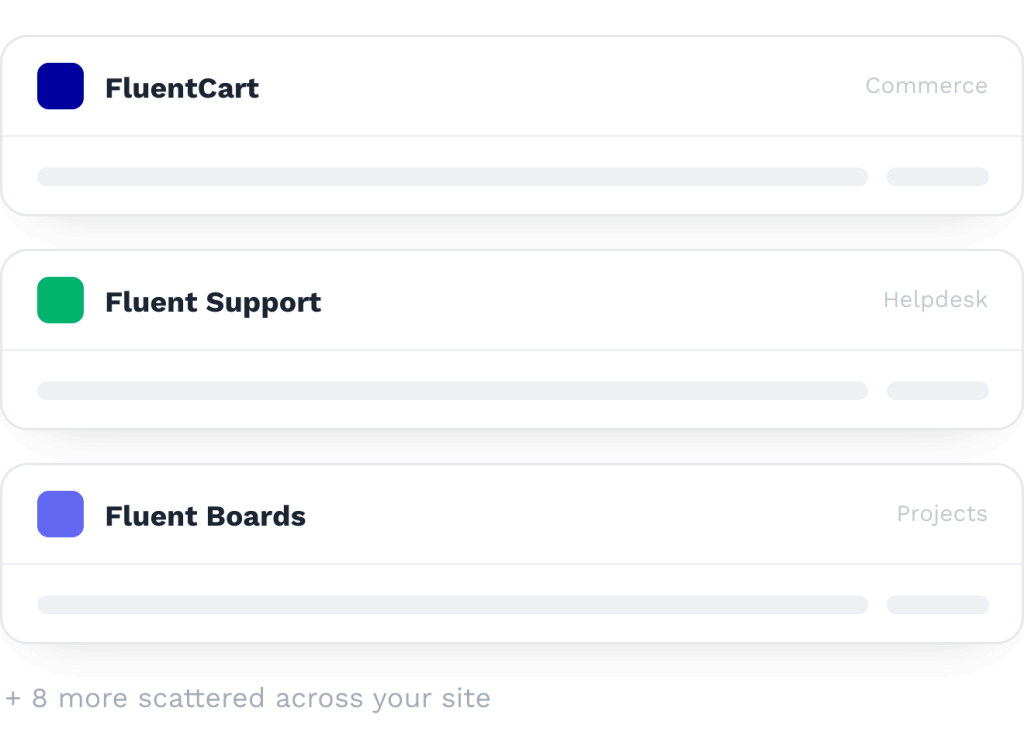
Before
Separate plugin screens
More menus. More context switching.
After
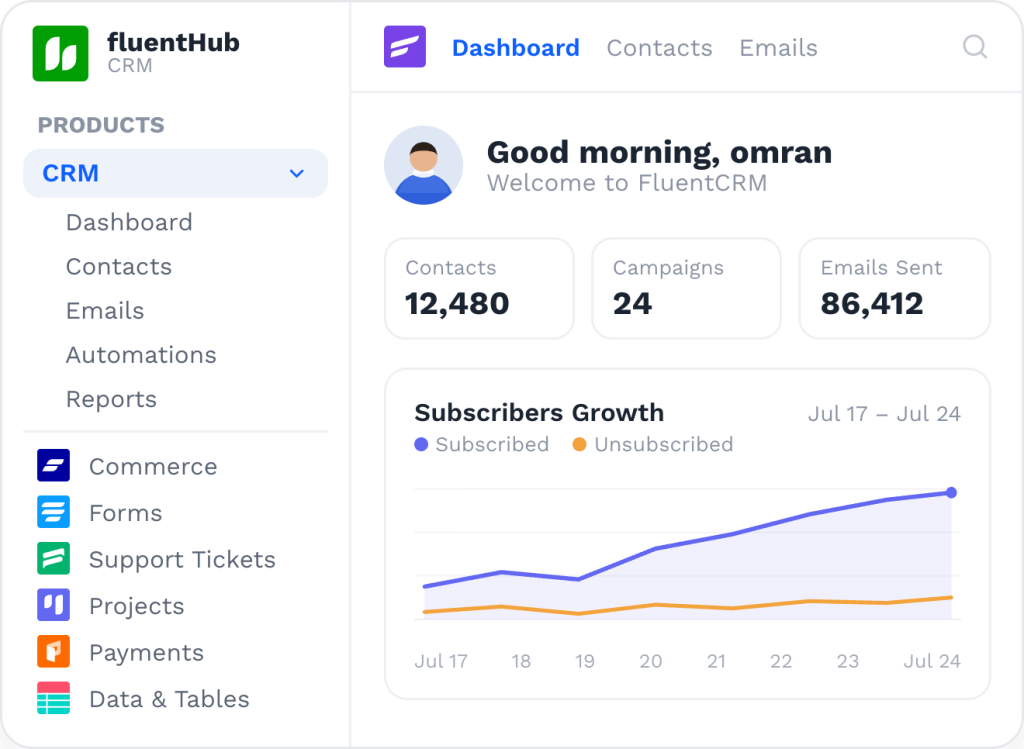
FluentHub unified dashboard
Every Fluent product in one clean interface.
One Dashboard for the Whole Fluent Lineup
Every Fluent product gets its own organized area inside FluentHub.Move between CRM, support, community, commerce, forms, bookings, and projects without returning to the WordPress plugin menu.
Unified dashboard

fluentHub
CRM
Products
CRM
Commerce

Forms
Support Tickets
Appointments
Projects
Payments & Donations
Data & Tables
Affiliates
Others
Media & Player

Auth & Security
Email Delivery (SMTP)
Social Reviews
Community
Dashboard
Contacts
Emails
Automations
Reports
FluentCRM
Dashboard
Contacts
Emails
Automations
Reports
KC
Good morning, Kawsar
Welcome back to FluentCRM
Import contacts
New campaign
Active contacts
12,480
+312
Campaigns
24
2 live
Emails sent
86,412
+8.4%
Active automations
7
3 new
Recent activity
Open feed
Welcome sequence live
Automation – 1,204 contacts enrolled
Live
Tags synced from FluentCart
318 customers tagged – 12 min ago
Synced
Re-engagement automation drafted
Waiting on review – 1 hr ago
Draft
Weekly digest sent
1,204 subscribers – 2 hrs ago
Sent
New leads from Fluent Forms
24 submissions – today
New
Email performance
View report
Sent
24,180 – 100%
100%
Delivered
23,742 – 98.2%
98.2%
Opened
14,806 – 61.2%
61.2%
Clicked
5,972 – 24.7%
24.7%
Replied
1,148 – 4.8%
4.8%
One Home for Every Product
Access all your active Fluent plugins from one unified interface.
Focused Navigation
Collapse the products you are not using and keep your current workspace clean.
Install and Update in One Click
Install any Fluent plugin from FluentHub. Update them all with one click, and try release candidates before they reach wordpress.org.
One URL. Every Fluent Plugin. One Agent.
FluentHub runs one MCP server for your whole site. Paste its URL into Claude, Codex, GitHub Copilot, Cursor or any MCP app, then sign in with your WordPress account. You do not copy any password or API key.
Your agent then works with FluentCRM, Fluent Support, FluentCart, FluentBoards, FluentBooking and FluentCommunity in the same conversation.
Ask one question. The agent checks every plugin it needs and gives you one answer.
FluentHub MCP
Connected
What needs my attention today?
Checking
Support
Boards
CRM
3 things need you today: 2 unresolved tickets in Fluent Support, 1 blocked task in FluentBoards, and 4 new leads in FluentCRM waiting on follow-up.
Which customers have unresolved support tickets?
Checking
Support
Cart
5 open tickets from 4 customers. 2 of those customers spent more than $1,000 in FluentCart this year.
Ask about your business…
Safe by Default
You decide what the agent can reach. You can take it back at any time.
Off until you turn it on
The MCP server does nothing until an admin switches it on. Each Fluent plugin also has its own AI switch.
Your WordPress permissions
Each app acts as the WordPress user who approved it. A support agent’s app sees what that agent sees, and no more.
Asks before it changes things
Reading and writing are separate tools, so your AI app can ask you before each change. The agent confirms sends, deletes and merges with you first.
Disconnect at any time
The MCP page lists every connected app. Remove one there or from the user’s profile. Turn off the server to stop them all.
How It Works
Four steps from install to running your business from one conversation.
01
Install FluentHub
Download the free plugin, upload it in WordPress and activate it.
02
Turn On the MCP Server
In FluentHub, open the MCP page. Switch on the FluentHub MCP server and the Fluent plugins your agent may use.
03
Paste One URL
Copy the URL from the MCP page. Add it to Claude, Codex, GitHub Copilot, Cursor or another MCP app.
04
Sign In and Ask
Approve the app with your WordPress account. Then ask about your contacts, tickets, orders, tasks and community.
Works With the AI App You Already Use
Pick your app. Paste one URL or run one command. Your app opens a WordPress sign-in page, and you approve it.
In Claude, open Settings > Connectors. Add a custom connector and paste this URL.
https://your-site.com/wp-json/fluent-hub/mcpRun this command. Then run /mcp in Claude Code and pick fluent-your-site-com to sign in.
claude mcp add --transport http fluent-your-site-com https://your-site.com/wp-json/fluent-hub/mcpRun these commands. The second one opens the sign-in page.
codex mcp add fluent-your-site-com --url https://your-site.com/wp-json/fluent-hub/mcp
codex mcp login fluent-your-site-comPaste this into .vscode/mcp.json. VS Code asks you to sign in.
{
  "servers": {
    "fluent-your-site-com": {
      "type": "http",
      "url": "https://your-site.com/wp-json/fluent-hub/mcp"
    }
  }
}Paste this into the Cursor MCP settings. Cursor asks you to sign in.
{
  "mcpServers": {
    "fluent-your-site-com": {
      "url": "https://your-site.com/wp-json/fluent-hub/mcp"
    }
  }
}Add this URL to any MCP app that supports OAuth sign-in.
https://your-site.com/wp-json/fluent-hub/mcpFluentHub shows these with your site’s real URL on its MCP page. Your site needs HTTPS and pretty permalinks.
Questions and Answers
The short answers to what people ask us most.
Is FluentHub free?
Yes. FluentHub is free. It works with the free and Pro versions of the Fluent plugins you already have.
Which AI apps can I connect?
Claude (web, desktop and Claude Code), Codex, GitHub Copilot in VS Code, Cursor, and any other MCP app that supports OAuth sign-in. Each plugin’s own MCP screen also offers an application password for apps that cannot sign in.
Which Fluent plugins can the agent use?
FluentCRM, Fluent Support, FluentCart, FluentBoards, FluentBooking and FluentCommunity, when the plugin is active and its AI tools are on. The FluentHub dashboard works with every Fluent plugin.
What can the agent see and do?
Only what the WordPress user who approved the app can see and do. Each plugin gives the agent one read tool and one write tool. Before it sends email, deletes data or starts an automation, the agent asks you.
Does my data go through WPManageNinja?
No. The MCP server runs inside your WordPress site, and your AI app connects to your site directly. What the agent reads goes to the AI provider you chose, under that provider’s terms.
What does my site need?
WordPress 6.0 or later, PHP 7.4 or later, HTTPS and pretty permalinks. Most AI apps refuse sign-in over plain HTTP. Application passwords must not be turned off, because FluentHub stores each connection as one.
How do I disconnect an app?
Open the MCP page in FluentHub and remove the app from the connected apps list. A user can also remove it from their own WordPress profile. To stop every app at once, turn off the FluentHub MCP server.
Does it replace each plugin’s own MCP server?
No. Each plugin keeps its own MCP endpoint. FluentHub adds one URL that reaches all of them, so you connect once instead of once per plugin.
Run Your Fluent Business From One Conversation
Install FluentHub, turn on the MCP server and paste one URL into your AI app.
Free · WordPress 6.0+ · PHP 7.4+