


One Dashboard. One Agent. Your Whole Fluent Business.
Stop switching between plugins, menus, and screens. FluentHub brings your entire Fluent lineup into one clean dashboard and connects FluentCRM, FluentSupport, FluentBoards, FluentCart, and more to a single AI agent.
Works with:

Codex

Claude

Cursor
and other MCP clients
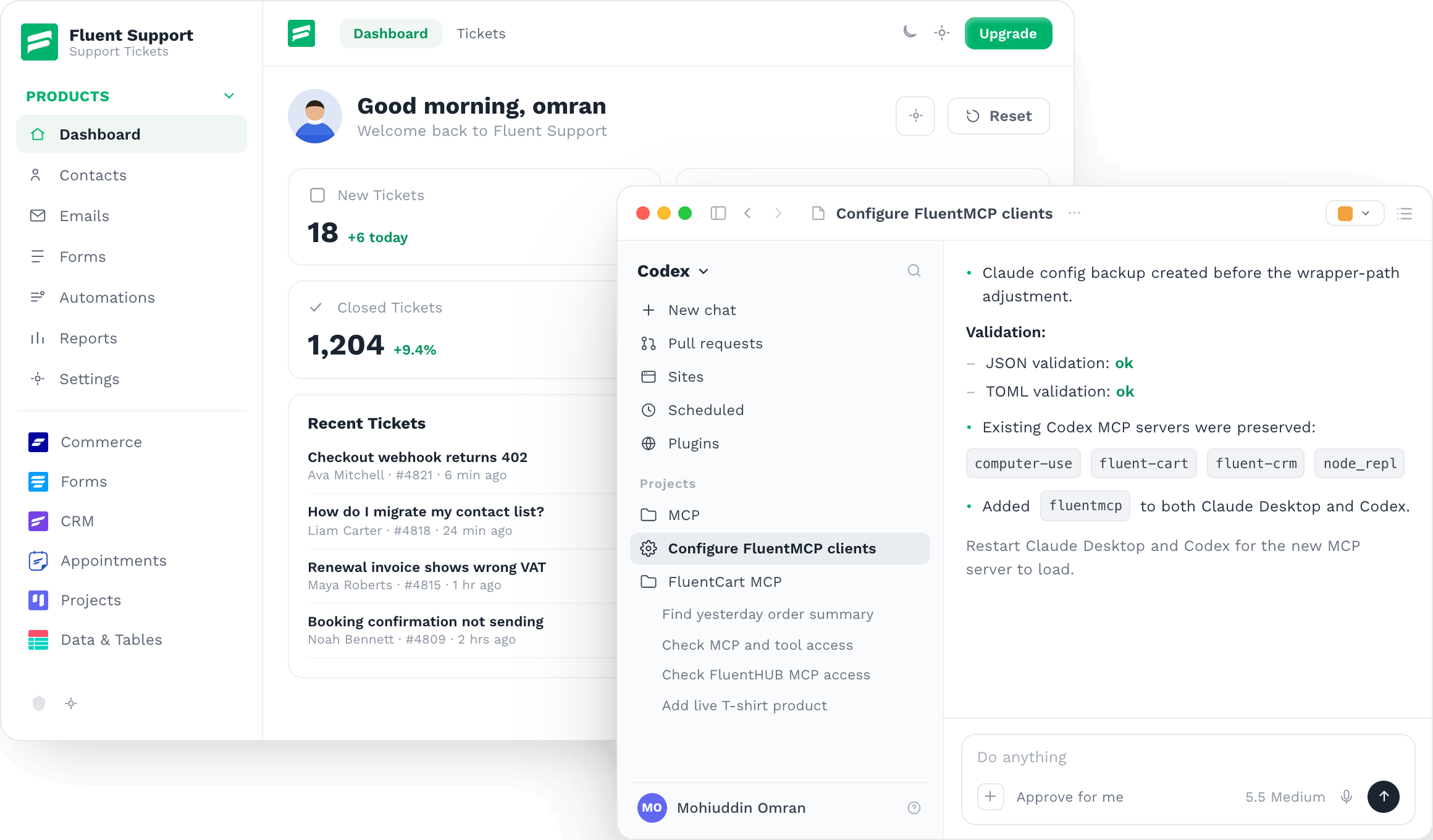
Works with every product in the Fluent lineup

FluentCRM

Fluent Forms

FluentCart

Fluent Support

FluentBooking

FluentCommunity

FluentBoards
Ninja Tables

Paymattic

FluentSMTP

WP Social Ninja

Fluent Affiliate

AzonPress

FluentPlayer

FluentMembers
Your Fluent Tools Already Work Together. Now Manage Them Together.
FluentHub gives you one place to access your products, manage connections, and understand what is happening across your business.
One home for CRM, commerce, forms, support, bookings, projects, payments, and data.
Before
Separate plugin screens
More menus. More context switching.
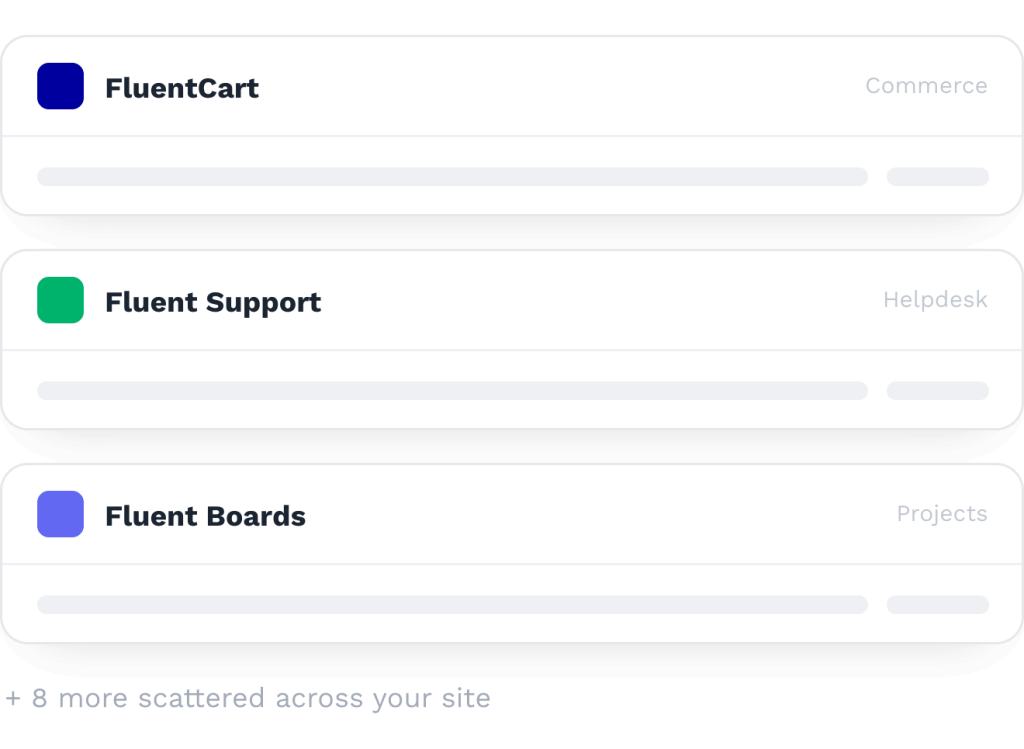
After
FluentHub unified dashboard
Every Fluent product in one clean interface.
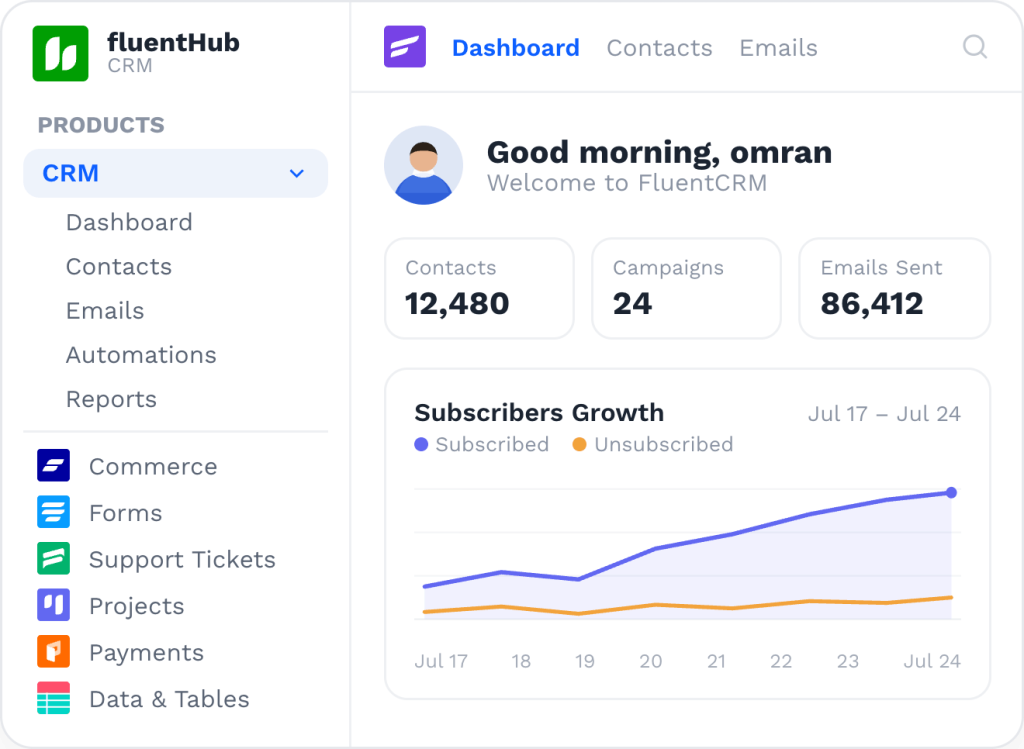
One Dashboard for the Whole Fluent Lineup
Every Fluent product gets its own organized area inside FluentHub.Move between CRM, support, community, commerce, forms, bookings, and projects without returning to the WordPress plugin menu.
Unified dashboard

fluentHub
CRM
Products
CRM
Commerce

Forms
Support Tickets
Appointments
Projects
Payments & Donations
Data & Tables
Affiliates
Others
Media & Player

Auth & Security
Email Delivery (SMTP)
Social Reviews
Community
Dashboard
Contacts
Emails
Automations
Reports
FluentCRM
Dashboard
Contacts
Emails
Automations
Reports
KC
Good morning, Kawsar
Welcome back to FluentCRM
Import contacts
New campaign
Active contacts
12,480
+312
Campaigns
24
2 live
Emails sent
86,412
+8.4%
Active automations
7
3 new
Recent activity
Open feed
Welcome sequence live
Automation – 1,204 contacts enrolled
Live
Tags synced from FluentCart
318 customers tagged – 12 min ago
Synced
Re-engagement automation drafted
Waiting on review – 1 hr ago
Draft
Weekly digest sent
1,204 subscribers – 2 hrs ago
Sent
New leads from Fluent Forms
24 submissions – today
New
Email performance
View report
Sent
24,180 – 100%
100%
Delivered
23,742 – 98.2%
98.2%
Opened
14,806 – 61.2%
61.2%
Clicked
5,972 – 24.7%
24.7%
Replied
1,148 – 4.8%
4.8%
One Home for Every Product
Access all your active Fluent plugins from one unified interface.
Focused Navigation
Collapse the products you are not using and keep your current workspace clean.
One-Click Installation
Explore the Fluent lineup and install new products without leaving FluentHub.
Connect Multiple Fluent MCPs to One Agent
FluentHub MCP adapter lets you connect supported Fluent products to Codex, Claude, Cursor, and other compatible MCP clients.
Instead of asking each plugin separately, connect FluentCRM, FluentSupport, FluentBoards, FluentCart, and more to one agent.
One agent can check multiple Fluent products and give you the complete picture.
FluentHub MCP
Connected
What needs my attention today?
Checking
Support
Boards
CRM
3 things need you today: 2 unresolved tickets in Fluent Support, 1 blocked task in FluentBoards, and 4 new leads in FluentCRM waiting on follow-up.
Which customers have unresolved support tickets?
Checking
Support
Cart
5 open tickets across 4 customers. Two of them, Northloop and Mintwell, are high-value accounts in FluentCart.
Ask about your business…
How It Works
Four steps from install to running your business from one conversation.
01
Install FluentHub
Download, install, and activate the FluentHub addon.
02
Open the Unified Dashboard
Access your Fluent products from one organized interface.
03
Enable Your MCP Connections
Connect the supported Fluent products you want your agent to access.
04
Start Chatting
Use Codex, Claude, Cursor, or another MCP client to ask questions & manage your business.
