

How to Recover a Deleted YouTube Channel: Solution & Tips (2026)

You go to log into your YouTube and your channel isn’t there. Or you clicked delete thinking you’d change your mind later. Or YouTube sent a termination email overnight and 100,000 subscribers are gone by morning.
Recovery is possible. But it depends entirely on how the channel disappeared and how fast you move. This guide gives you exact steps for each scenario and an honest read on what’s likely to work.
TL;DR
- If you deleted it yourself, check Google’s Brand Accounts page, the recovery window is 30 days
- Deleted your entire Google Account- it also has a 30-day window
- If your channel gets terminated, you get one appeal through YouTube Studio
- No third-party service can restore a YouTube channel, don’t pay anyone who says otherwise
- Check YouTube Studio’s trash folder, as deleted videos stay there up to 30 days
- Add a second account owner and back up via Google Takeout
Your Channel Isn’t Gone Yet
Most creators assume deletion is instant and permanent. It isn’t, at least not right away.
YouTube and Google hold deleted accounts and channels in a recovery state before wiping them for good. For Brand Account channels, that window is typically up to 30 days. For Google Accounts, you have approximately the same period from the deletion date before the account and everything tied to it is gone.
The fastest-moving recoveries succeed. The ones that stall, wait for a “maybe,” or spend three days reading forum posts usually don’t.Figure out what type of deletion you’re dealing with first. The steps are completely different depending on the answer.
Identify Exactly How Your Channel Was Deleted
There are three situations, and they don’t share a fix.
Self-deleted channel (Brand Account)
This is the most recoverable scenario. You went into YouTube settings, clicked “Delete channel,” confirmed, and now regret it.
If your channel was linked to a Brand Account, it isn’t gone yet. Google separates the Brand Account from your personal Google Account. The channel lives inside the Brand Account, and that account enters a deletion queue rather than immediate removal.
<Images>
Most channels created after 2012 are Brand Accounts. Signs you had one: the channel name was different from your Gmail name, you could switch between multiple channels in YouTube, or you had added other managers to the channel.
Google account deleted
If you deleted the Google Account itself, not just the channel, the situation is more urgent. Everything attached to that Google Account is queued for removal: Gmail, Google Drive, Google Photos, and your YouTube channel.
Google sends warning emails before permanent deletion. Check any recovery email addresses associated with the account for those notices. The ~30-day window starts from the deletion date, not from when you noticed.
YouTube termination or suspension
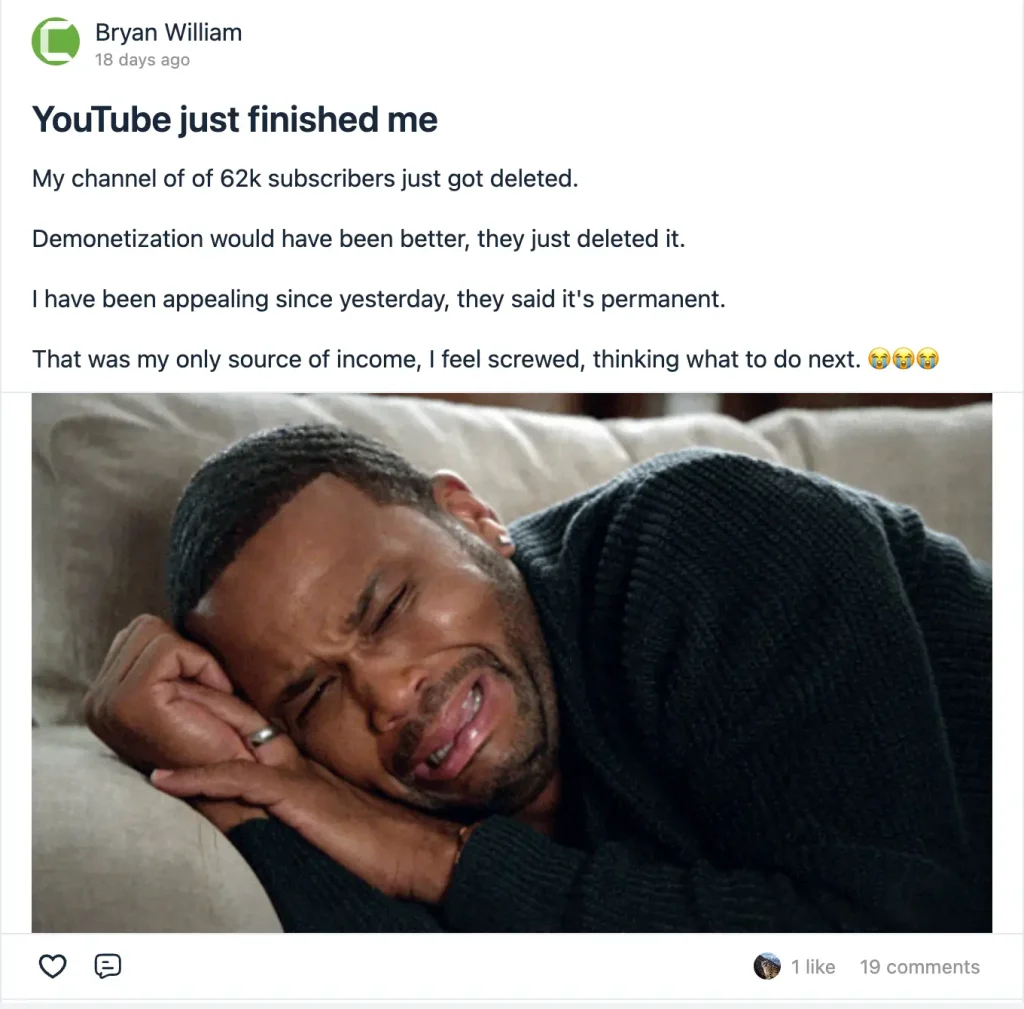
See a community post about Youtube account suspension
This is a different category. You didn’t delete anything. YouTube did. Terminations happen for community guidelines violations, multiple copyright strikes, spam behavior, or impersonation.
A terminated channel can’t be restored through account settings. You have to go through YouTube’s formal appeals process, and the channel stays inaccessible while the appeal is under review.
How to Restore a Deleted Brand Account Channel
This is the best-case scenario. Here’s the exact path.
Step 1: Go to Google’s brand accounts page
Visit myaccount.google.com/brandaccounts while signed in to your Google Account. You’ll see a list of Brand Accounts associated with your email.
Step 2: Look for the deleted channel
Deleted Brand Accounts appear in this list with a status showing they’re scheduled for removal. If you see it here, the recovery window is still open.
Step 3: Select the account and restore it
Click into the Brand Account and follow the prompts to cancel the deletion. Google will ask you to confirm. Once confirmed, the channel comes back with all subscribers, videos, and settings intact.
Step 4: Check YouTube Studio
After restoring, log into studio.youtube.com and confirm everything looks right. Videos may take a few minutes to reappear.
If the Brand Account no longer shows in that list, the ~30-day window has passed. The channel is permanently deleted.
Recovering Through Google Account Recovery
If your entire Google Account was deleted, start at accounts.google.com/signin/recovery.
Enter the email address tied to the account. Google will walk you through verification steps: a recovery phone number, a recovery email, or security questions set up when the account was created. The more of these you have access to, the better your odds.
If you can verify your identity, Google will offer to restore the account. This brings back everything, including the YouTube channel.
If you can’t verify because you also lost access to the recovery phone or email, the options narrow. Google’s account recovery form asks for as much detail as possible: approximate account creation date, recent passwords, devices used, and services you accessed. Older accounts with less verification history have lower success rates. Fill out every field accurately, Google’s system checks your answers against account history, and guessing hurts your case.
The ~30-day window is firm. After that, no form submission will bring the account back.
Appealing a YouTube Termination
A terminated channel means YouTube made an active decision. You get one appeal. Make it count.
Where to appeal
Open YouTube Studio and look for the appeal option on your channel dashboard. YouTube Studio is the primary path. If that isn’t available, use the termination appeals form linked in the termination email YouTube sent you. Note: creators have up to one year from the termination date to submit.
What to include
State plainly why the termination was a mistake. If it was a copyright strike, identify the specific video and the specific claim you’re disputing. If it was a community guidelines violation, explain why your content doesn’t meet the threshold for termination.
Don’t write a long emotional appeal. YouTube reviewers process thousands of appeals. Short, specific, factual submissions get more traction.
What to expect
YouTube Studio shows an estimated review time when you submit. The actual timeline varies; some appeals are decided within days, others take longer. You’ll get an email with the outcome: restoration or denial.
YouTube reviews one appeal per termination. If your appeal is denied, the decision is final for that channel. However, as of October 2025, YouTube launched a “Second Chance” pilot program, creators who were terminated may request a new channel one year after termination, provided their violations weren’t severe.
This isn’t a restoration of the original channel, but it does mean the platform isn’t a permanent dead end for every terminated creator.
Why Most Recovery Attempts Fail
The failures aren’t random. They follow a pattern.
Waiting too long
The most common reason a recoverable Brand Account deletion becomes permanent is that the creator didn’t check the Brand Accounts page within the ~30-day window. By the time they found a guide and followed the steps, the window had closed.
Mixing up deletion types
Someone deletes their Google Account but searches for “how to restore deleted YouTube channel” and follows Brand Account steps. The steps don’t apply. They lose days on the wrong process.
Appealing terminations without specifics
Generic appeals (“I didn’t violate any guidelines”) get denied at a higher rate than specific ones. YouTube’s reviewers need something to evaluate. Vague submissions give them nothing to work with. And because you only get one appeal, a weak submission wastes your only shot.
Trusting paid recovery services
No third-party service has the ability to restore a YouTube channel. YouTube’s recovery tools are account-specific and require verification from the account owner. If someone is charging you for channel recovery, they are taking your money and your time.
Protect Your Channel Before Disaster Strikes
You can prevent the situation easily if you want to avoid the hassle of recovery. Follow these:
Add a second owner to your channel
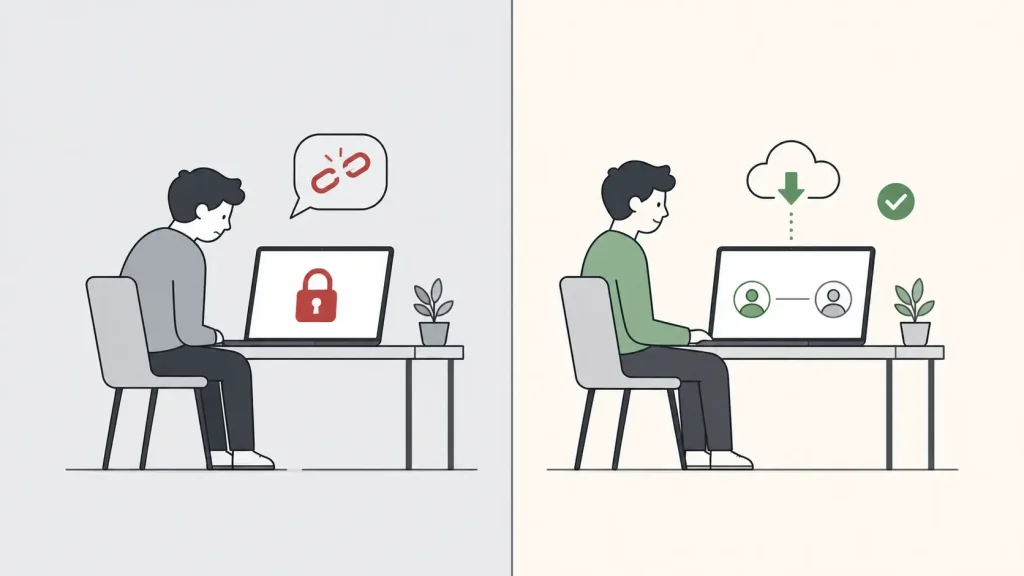
Go to YouTube Studio, open Settings, then Permissions. Add a second Google Account as a channel owner. If your primary account is ever compromised or deleted, the second owner can still access the channel and prevent permanent loss.
Use Google Takeout to back up your videos
Go to takeout.google.com, select YouTube, and download your video library. Do this quarterly. The download includes your videos, playlists, and channel metadata.
Keep your account recovery info current
A recovery phone number and a backup email address are the two things standing between you and a locked-out account. Check yours at myaccount.google.com/security and update them if they’re outdated.
Don’t run your business channel on a personal Gmail account
A Brand Account with a separate owner login gives you one extra layer of separation. If the personal Gmail gets deleted or compromised, the Brand Account has its own recovery path.
Having a website and host everything on your own
Build your audience somewhere they can’t be taken away. Host your videos using FluentPlayer pairing with BunnyNet or other hosting on your own WordPress site for full ownership. Pair it with FluentCommunity to turn subscribers into a community you own. That’s one of the best video marketing strategies you can follow.
Your Channel Couldn’t Be Recovered
If your channel is gone and the appeal failed, check YouTube Studio’s trash folder. Deleted videos stay there for 30 days. Also check Google Drive, Google Photos, and local storage. Some creators qualify for YouTube’s Second Chance pilot program one year after termination.
Your community isn’t gone either. Post on another platform, explain what happened, link the new channel. Subscribers who cared once tend to care again. Set up the new channel with two owners and a backup email from day one.

This is Sumit. He’s a physics major who’s trying to understand both the physical as well as the WordPress worlds. Whenever he’s not busy, plays fifa or spends time with his family.
-
How to Create Non Disclosure Agreement (WordPress Guide)
Create a professional NDA form in WordPress with Fluent Forms. -
How to Build a RevOps Service With the Best Free CRM Software
Learn how to build a RevOps service using free CRM -
Single-Step Form vs. Multi-Step Form: Which One Is the Best and Why
Single-step vs multi-step form, which format converts better? Learn how



Leave a Reply
You must be logged in to post a comment.