


Top 10 BookingPress Alternatives: WordPress Booking Plugins (2026)

Share :

We will never spam you. We will only send you product updates and tips.
If you’re exploring BookingPress alternatives, you’re probably looking for a plugin that fits your workflow better, whether that means simpler pricing, smoother booking experience, better calendar sync, or stronger team scheduling features.
The good news is that WordPress has plenty of booking plugins built for different needs. Some are better for solo appointments, some handle group bookings and classes, and others are designed for multi-staff businesses, rentals, or industry-specific use cases.
In this guide, you’ll find the best BookingPress alternatives for WordPress, compare their strengths, and learn which plugin makes the most sense for your business model, budget, and scheduling needs, so you can choose the right option without wasting time on trial and error.
Key Takeaways
- Pick based on your booking model: 1:1 appointments, group sessions/classes, events, or rentals/reservations all need different features.
- Calendar sync is the #1 filter: if double-bookings hurt you, prioritize plugins with solid Google/Outlook two-way sync and test it early.
- Best “all-rounder” WordPress-native option: FluentBooking for teams, consultants, and service businesses needing flexible meeting types + integrations.
- If you need appointments + events in one plugin: Amelia is the strongest all-in-one choice (but can feel heavy for simple setups).
- If you want flexible scaling over time: Bookly has a big upgrade path, though costs can rise with tiers/add-ons.
- Match pricing + workflows before features: payments (Stripe/PayPal, deposits), reminders (email/SMS/WhatsApp), staff/locations, and license limits usually decide the winner.
BookingPress Alternatives: A Quick Overview
| Plugin | Best for | Free Plan | Pricing Starts At | Standout |
|---|---|---|---|---|
| FluentBooking | Consultants, service businesses, and teams | Yes | $79/year | WordPress-native scheduling with Google/Outlook sync |
| Amelia | Businesses needing appointments + events | Yes | $49 | Appointments and events in one plugin |
| Bookly | Service businesses needing flexible scaling | Yes | $49/year | Large feature ecosystem and upgrade path |
| LatePoint | Local service businesses and agencies | No / not highlighted | $99/year | Clean booking flow with automation |
| Simply Schedule Appointments | Small businesses, coaches, beginners | Yes | $129/year | Easy setup and WordPress-first experience |
| Booknetic | Businesses wanting one-time pricing | No | $79 one-time | Customizable workflow with bundled add-ons |
| MotoPress Appointment Booking | Services, classes, and group bookings | Yes | $49/year | Strong for classes, staff, and events |
| WooCommerce Bookings | WooCommerce stores selling bookings | No | $161.25/year | Best for rentals, reservations, and store-style bookings |
| Easy Appointments | Budget-conscious multi-location businesses | Yes | No paid plan | Affordable scheduling for services, staff, and locations |
| Salon Booking System | Salons, spas, and beauty businesses | Yes | €39/year | Niche-specific workflows for salon businesses |
Why People Look for BookingPress Alternatives
- Pricing clarity: Buyers compare plugins for simpler pricing, fewer hidden upgrade costs, or a better fit between annual and lifetime plans.
- Better user experience: A smoother booking form and easier admin dashboard can matter just as much as feature depth.
- Calendar sync needs: Many users need stronger Google Calendar or Outlook syncing to avoid conflicts and double bookings.
- Payment flexibility: Businesses often compare options based on deposits, Stripe/PayPal support, and gateway variety.
- Multi-staff scaling: Teams with multiple staff members or locations usually need more flexible scheduling controls.
- Integrations: Zoom, Google Meet, SMS, and automation tools often become the deciding factor.
- Reporting needs: As booking volume grows, users start looking for stronger dashboards and business insights.
10 The best BookingPress alternatives for WordPress
Let’s dive deep into the best BookingPress alternatives for WordPress that offer flexible scheduling, better usability, and features suited for different business needs.
FluentBooking — The Complete WordPress Booking Solution
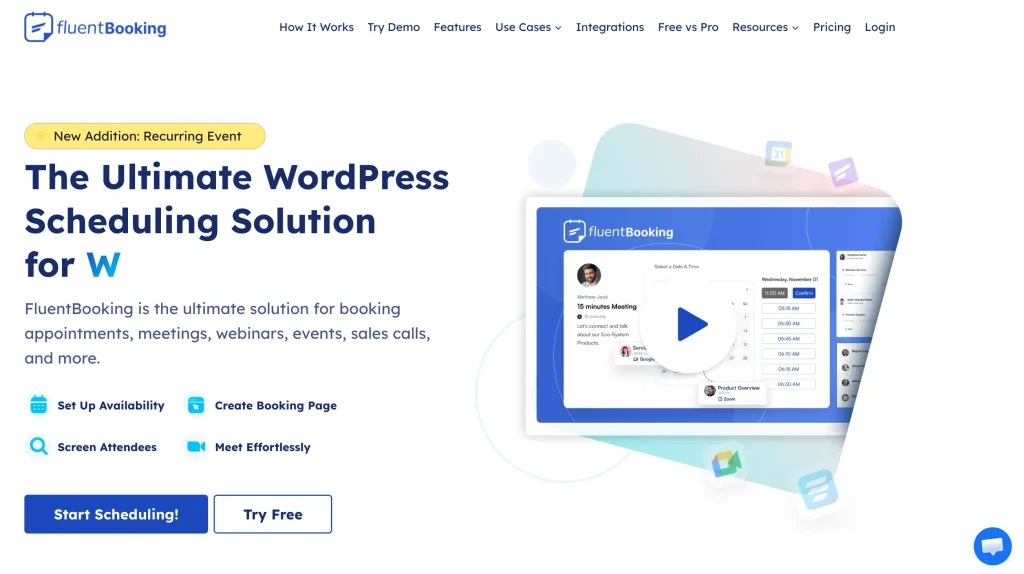
Best for: Consultants, service businesses, and teams that want a WordPress-native scheduler with calendar sync and flexible meeting types
FluentBooking is a modern WordPress booking plugin built for businesses that want to manage appointments, meetings, and team scheduling directly from their own site. It supports unlimited personal, team, and event calendars, offers two-way calendar sync, and connects with payment and meeting tools so you can run booking workflows without depending on an external scheduling platform.
Key Features of FluentBooking
- Two-way sync with Google Calendar and Outlook Calendar
- One-on-one, group, round-robin, and one-off event scheduling
- Buffer times and booking limits to prevent overbooking
- Custom availability and booking settings
- Integrations with Zoom, Google Meet, and Microsoft Teams
- Payment support with Stripe and PayPal
- SMS/WhatsApp notifications through Twilio
- Unlimited personal, team, or event calendars
Pros & Cons
| Pros | Cons |
|---|---|
| Simple setup and clean interface | Advanced analytics are still limited |
| Supports one-on-one, group, and round-robin meetings | Some advanced features require premium |
| Google Calendar and Outlook sync | No dedicated mobile app yet |
| Free plan includes essential features | |
| Payment collection with Stripe and PayPal | |
| Strong integrations with Zoom, Google Meet, Teams, and FluentCRM |
Pricing
Free plan: Yes
Paid plans: Annual and lifetime options available. Annual plan starts at $79 and the lifetime plan starts at $199 in single site. Also available for multiple with different pricing.
Amelia — A Premium Booking Plugin for Appointments and Events
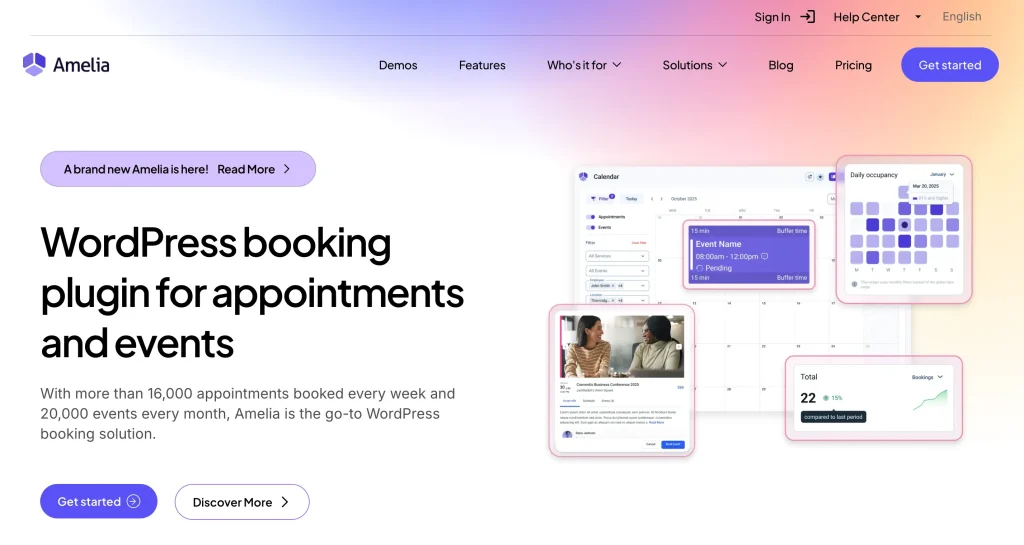
Best for: Growing businesses that need both appointments and events in one booking plugin.
Amelia is a polished WordPress booking plugin designed for businesses that need more than simple appointment scheduling. It supports both appointments and events, includes recurring bookings, online meetings, and calendar synchronization, making it a good fit for service businesses that want a more all-in-one setup.
Key Features of Amelia
- Appointment and event booking
- Recurring appointments and events
- Group bookings
- Online meetings
- Calendar synchronizations
- Custom service durations
- Coupons, deposits, invoices, and taxes
- Resource management and multilingual support
Pros & Cons
| Pros | Cons |
|---|---|
| Supports both appointments and events | Can feel heavy for simple use cases |
| Recurring bookings and group scheduling | Best features are in paid plans |
| Good for multi-staff businesses | Setup can take longer than lighter plugins |
| Google Calendar integration | |
| Modern interface and polished workflow | |
| Annual and lifetime pricing options |
Pricing
Free plan: Yes, limited version available
Paid plans: Start at $49/year, with lifetime plans starting at $229. Multiple domain plans are also available with different pricing tiers.
Bookly — A Flexible Appointment Plugin with Room to Grow
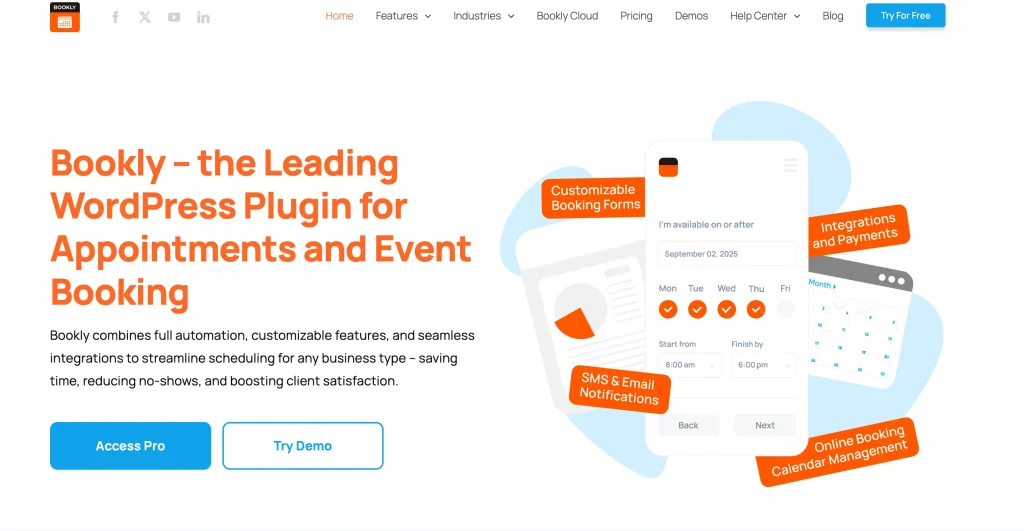
Best for: Service-based businesses that want a flexible booking plugin they can expand over time.
Bookly is one of the most recognized WordPress booking plugins for service-based businesses. It combines a free core plugin with paid tiers that unlock more staff, services, payments, integrations, recurring appointments, and advanced scheduling features. That makes it a practical option for businesses that want to start simple and expand later.
Key Features of Bookly
- Unlimited appointments in the free version
- Booking forms and customer management
- Email and SMS notifications
- Google Calendar integration
- Buffer time for services
- WooCommerce compatibility
- Online meetings with Zoom, Google Meet, Jitsi, and BigBlueButton
- Recurring appointments, group booking, Stripe, deposits, coupons, and locations in higher plans
Pros & Cons
| Pros | Cons |
|---|---|
| Popular and widely used plugin | Costs can grow as you unlock more features |
| Free version available | Some key tools are gated behind higher tiers |
| Flexible feature set for different business types | Add-on and tier structure can feel complex |
| Good for solo users and teams | |
| Supports payments, reminders, and recurring bookings | |
| Large ecosystem and upgrade path |
Pricing
Free plan: Yes
Paid plans: Start at $49/year and the lifetime pricing starts at $129. Also available business and unlimited plans.
LatePoint — A Clean and Modern Booking Plugin for Service Businesses

Best for: Local service businesses and agencies that want a clean booking flow with automation and team scheduling.
LatePoint is built for businesses that want a modern booking experience without too much complexity. Its official site highlights a high-converting booking flow, while the WordPress.org plugin page emphasizes calendar sync, reminders, team schedules, and 1:1 or group session booking.
Key Features of LatePoint
- Real-time availability display
- Booking for 1:1 and group sessions
- Different schedules by service or team member
- Calendar syncing
- Automated reminders and payments
- Multiple booking triggers such as form, button, calendar, or list
Pros & Cons
| Pros | Cons |
|---|---|
| Clean and modern booking interface | No strong free-plan positioning on official pricing page |
| Good fit for service businesses | Less suited for product-style bookings |
| Supports team scheduling and group sessions | Smaller ecosystem than some bigger competitors |
| Real-time availability display | |
| Strong customer booking experience | |
| Annual and lifetime pricing available |
Pricing
Free plan: Not highlighted on the official pricing page
Paid plans: Starter plan starts from $99/ year and the lifetime plan starts from $249. Also scale and agency plan available.
Simply Schedule Appointments — A WordPress-First Booking Plugin
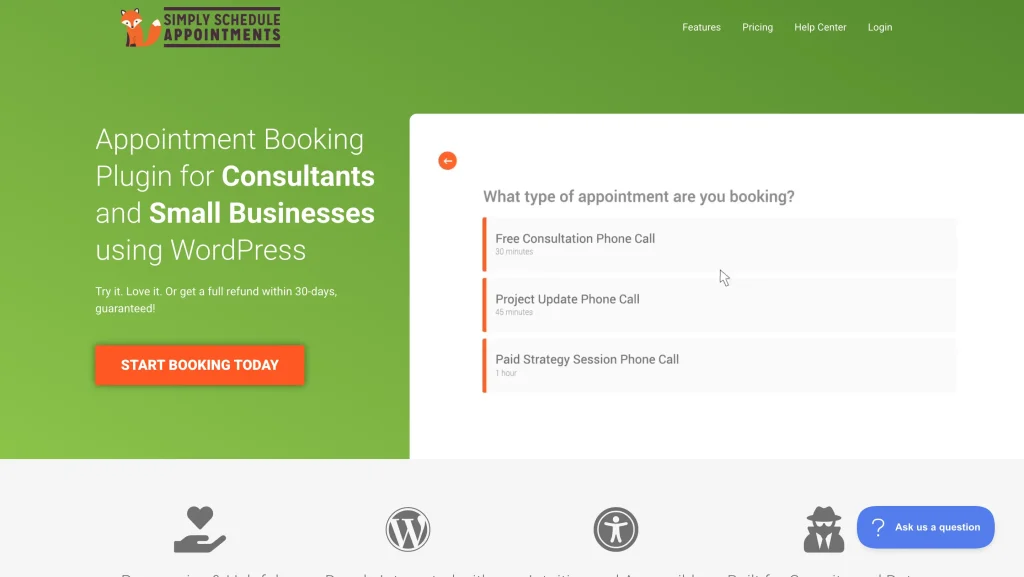
Best for: Small businesses, coaches, and WordPress beginners who want an easy, reliable scheduling setup.
Simply Schedule Appointments is a WordPress-focused scheduling plugin designed to be easy to set up and easy to manage. It supports one-on-one, group, team, and resource-based booking, while the free version already includes unlimited booking calendars and notifications.
Key Features of Simply Schedule Appointments
- One-on-one, group, team, and resource scheduling
- Unlimited booking calendars
- Unlimited appointments
- Customizable notifications
- Advanced scheduling options and blackout dates
- Google Calendar sync
- Booking flows and class/group capacity booking
- Stripe, PayPal, and Twilio in higher tiers
Pros & Cons
| Pros | Cons |
|---|---|
| Easy to launch and manage | Advanced features require paid plans |
| WordPress-first experience | Team and resource features are in higher tiers |
| Free version is generous | Less suited for highly complex workflows |
| Unlimited booking calendars | |
| Good fit for coaches, consultants, and small teams | |
| Clean interface and simple setup |
Pricing
Free plan: Yes
Paid plans: The Plus edition starts from $129, with Professional and Business editions also available. Pricing varies depending on the number of sites, such as 25-site or 1000-site licenses.
Booknetic — A Customizable Booking Plugin with One-Time Pricing
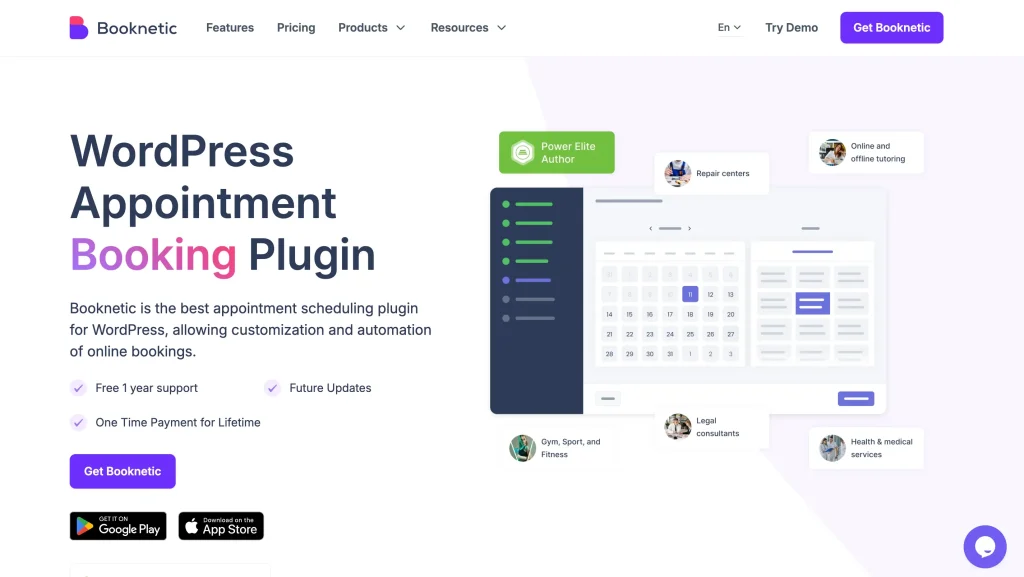
Best for: Businesses that want customization and automation with a one-time payment model.
Booknetic is a WordPress appointment plugin built around automation, customization, and lifetime-style ownership. Its official site strongly positions it as a one-time-payment solution, which makes it attractive for buyers who want to avoid recurring subscription costs.
Key Features of Booknetic
- Customizable booking workflows
- Automation-focused appointment scheduling
- One-time payment model
- Core features plus 40+ add-ons included in the pricing page offer
- Staging license and one year of support included in the main plan shown
Pros & Cons
| Pros | Cons |
|---|---|
| One-time payment model | Higher upfront cost |
| Strong customization options | No clearly promoted free plan |
| Good automation-focused workflow | Full value depends on whether you need the add-ons |
| Large add-on ecosystem | |
| Good fit for users who want lifetime-style ownership | |
| Modern interface |
Pricing
Free plan: No free plan.
Paid plans: They offer lifetime plans only which start from $79.
MotoPress Appointment Booking — A Strong Option for Services, Classes, and Events
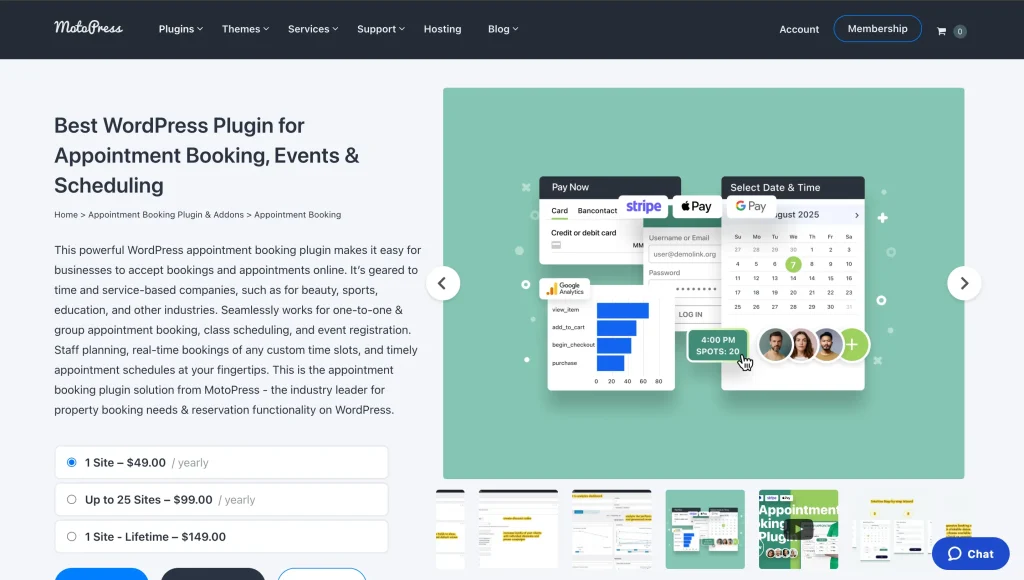
Best for: Service businesses, classes, and group bookings that need flexible staff scheduling.
MotoPress Appointment Booking is built for time- and service-based businesses. It supports one-to-one appointments, group scheduling, class bookings, and event registration, making it a versatile option for beauty, sports, education, and similar businesses.
Key Features of MotoPress Appointment Booking
- One-to-one and group appointment booking
- Class scheduling and event registration
- Unlimited services
- Unlimited employees
- Flexible employee schedules with breaks, holidays, and days off
- Coupons
- Add-ons for WooCommerce payments, Twilio SMS, analytics, checkout fields, video conferencing, and more
Pros & Cons
| Pros | Cons |
|---|---|
| Supports appointments, classes, and events | Some features depend on add-ons |
| Good employee and schedule management | Total cost can rise with bundles |
| Free Lite version available | Interface is less sleek than some newer tools |
| Unlimited services and employees | |
| Flexible use cases for different industries | |
| Helpful add-on ecosystem |
Pricing
Free plan: Yes, Lite version available
Paid plans: For 1 site $49/year and up to 25 site $99year also lifetime plans available.
WooCommerce Bookings — Best for Product-Style Bookings, Rentals, and Reservations
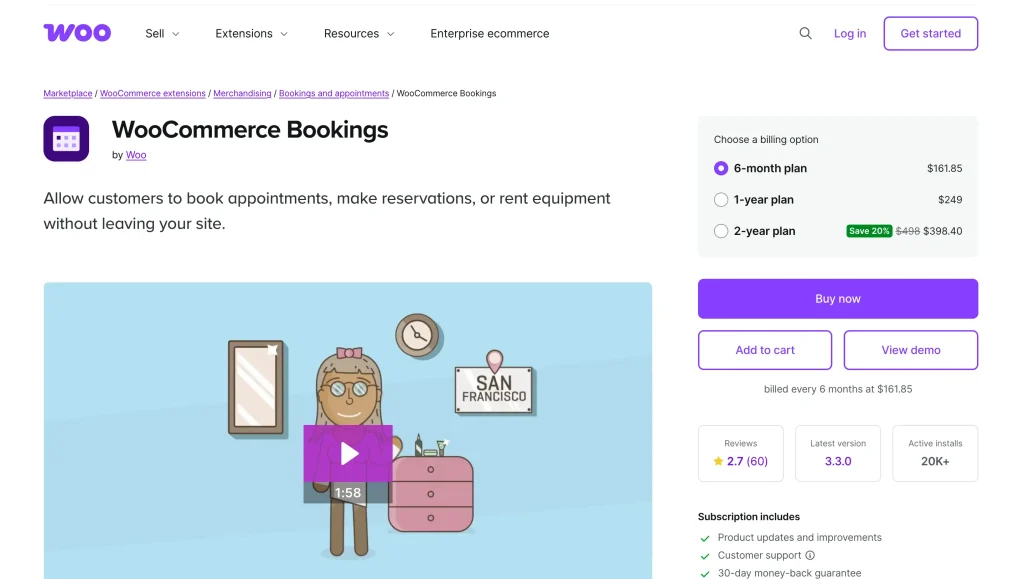
Best for: WooCommerce stores selling appointments, reservations, rentals, or classes through checkout.
WooCommerce Bookings is a strong choice if your booking model works like a product inside a WooCommerce store. It supports appointments, reservations, rentals, classes, and multi-person bookings, and it gives you flexible rules for time slots, buffers, and pricing.
Key Features of WooCommerce Bookings
- Appointment, reservation, rental, and time-based service booking
- One-on-one and multi-person bookings
- Flexible time slots in days, hours, or minutes
- Buffer time between bookings
- Group pricing and date-based pricing rules
- Native fit for WooCommerce stores and checkout flows
Pros & Cons
| Pros | Cons |
|---|---|
| Strong fit for WooCommerce stores | Not ideal for users who do not need WooCommerce |
| Great for rentals, reservations, and product-style bookings | Heavier setup than a simple appointment plugin |
| Flexible pricing and booking rules | No free plan |
| Supports one-on-one and multi-person bookings | Can feel overbuilt for basic service scheduling |
| Works well with store checkout flows |
Pricing
Free plan: No
Paid plans: This pricing depends on the month of use. Three options available $161.25 for 6 months, $249 for 12 months and $498 for 2 years.
Easy Appointments — A Budget-Friendly Choice for Multi-Location Booking
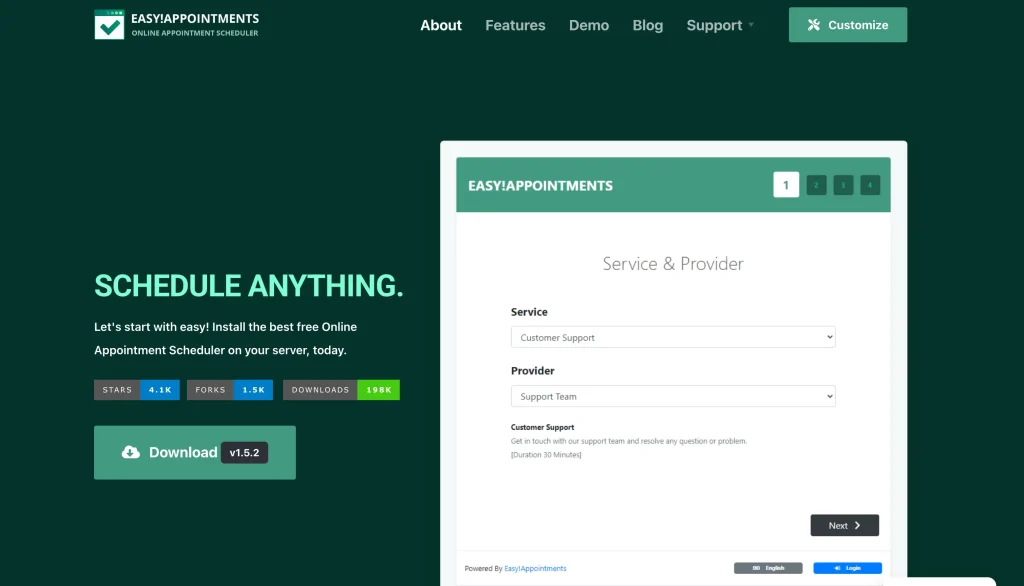
Best for: Budget-conscious businesses managing multiple services, staff, and locations.
Easy Appointments is aimed at businesses that need flexible scheduling across multiple workers, services, and locations. Its WordPress.org listing highlights flexible time management and custom email notifications, while its pricing page keeps entry costs relatively low.
Key Features of Easy Appointments
- Multiple locations, services, and workers
- Flexible time management
- Custom email notifications
- Booking form added to WordPress via shortcode
- Pro licensing for multiple site counts, including unlimited-site plans
Pros & Cons
| Pros | Cons |
|---|---|
| Budget-friendly starting point | Interface feels less modern than newer plugins |
| Works for multiple locations, services, and workers | Workflow may feel less polished |
| Free version available | Not as all-in-one as some competitors |
| Flexible scheduling structure | |
| Lower entry price than many alternatives | |
| Lifetime pricing options available |
Pricing
Free plan: Yes.
Paid plans: It has no paid plan.
Salon Booking System — A Niche Booking Plugin for Salons and Spas
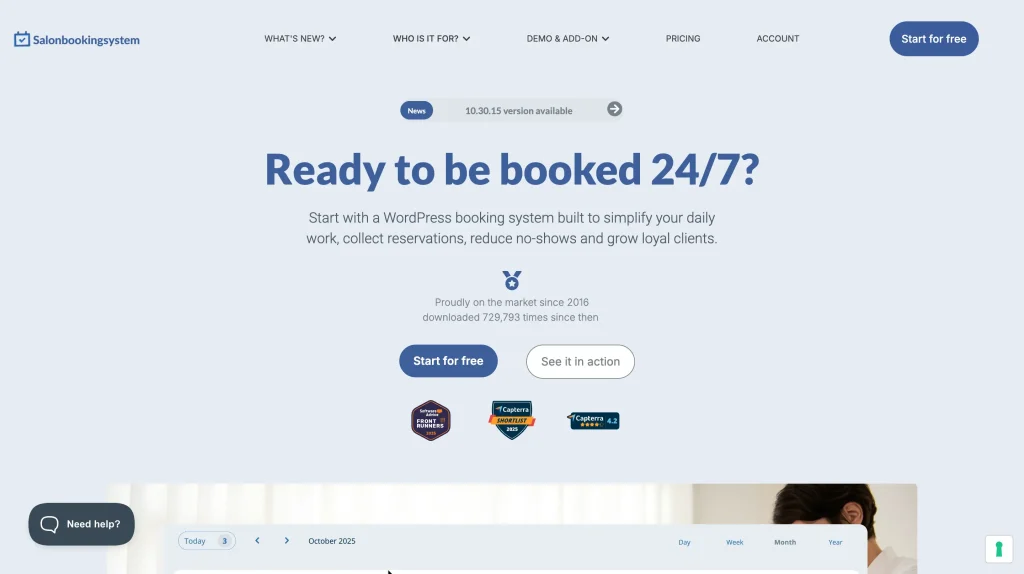
Best for: Salons, spas, and beauty businesses that need niche-specific booking workflows.
Salon Booking System is built specifically for salons, spas, and similar service businesses. It includes multi-staff scheduling, payment handling, reminders, Google Calendar sync, and booking-form customization, which makes it a strong niche alternative when you need industry-specific workflows.
Key Features of Salon Booking System
- Multiple booking methods
- Weekly timetable rules and holiday rules
- Re-scheduling and cancellation options
- Guest checkout and custom checkout fields
- Two-way Google Calendar synchronization
- SMS and email reminders
- Multi-staff management
- Stripe and PayPal support in paid plans
- Staff mobile app listed in paid plan details
Pros & Cons
| Pros | Cons |
|---|---|
| Strong fit for salons and spas | More niche than general-purpose booking plugins |
| Multi-staff scheduling support | Some useful features require paid plans |
| Google Calendar sync and reminders | Less flexible for non-salon businesses |
| Free version available | |
| Payment support and custom checkout options | |
| Built for industry-specific workflows |
Pricing
Free plan: Yes
Paid plans: Start at €39/year and the and the business plan at 139 € if you bill yearly.
Decision checklist: How to Choose the Right BookingPress Alternative
Before you install anything, use this checklist.
1. What are You Booking?
Start with the booking model.
If you only need 1:1 appointments, you can usually choose a lighter plugin. If you need group sessions, classes, events, or recurring appointments, your options narrow fast. Amelia supports both appointments and events, while LatePoint explicitly supports 1:1 and group sessions. WooCommerce Bookings is stronger when your booking model looks more like bookable products, rentals, or reservations.
2. Do You Need Staff, Locations, or Capacity Rules?
If you run a salon, clinic, or service team, check how the plugin handles multiple employees, services, and locations. BookingPress includes staff management. Bookly supports staff and services, and its higher tiers add locations and more advanced scheduling tools. LatePoint also emphasizes team-based scheduling and different schedules by team member.
3. Do Time Zones, Buffer Time, And Recurring Appointments Matter?
For coaches, consultants, and remote teams, time-zone handling and booking buffers can be more important than fancy admin dashboards. Amelia offers recurring appointments. LatePoint has recurring scheduling as a dedicated feature. If repeat sessions are part of your business model, verify that recurrence works the way you need before you buy.
4. What Payments Do You Need?
Check this early. Some businesses only need Stripe or PayPal. Others need deposits, coupons, offline payments, or local gateways. BookingPress promotes 20+ payment gateways. Simply Schedule Appointments lists Stripe and PayPal in paid editions. Bookly’s higher tiers add Stripe and deposit payments.
5. Which Notifications Matter?
Email confirmations are common, but some businesses also want SMS or WhatsApp reminders. BookingPress explicitly promotes email, SMS, and WhatsApp notifications. SimplyBook.me also highlights reminders across channels, though it is SaaS rather than a native WordPress plugin.
6. Do You Need Google Calendar Or Outlook Sync?
This is one of the most important filters. BookingPress offers Google Calendar integration for staff. SSA offers Google Calendar in paid editions. Amelia supports Google Calendar integration and blocks availability based on busy events. LatePoint recently added Outlook Calendar syncing in its changelog.
7. Is The Plugin Self-Hosted, Or Are You Okay With Saas?
Most options in this list are WordPress plugins, which gives you more control over data ownership and site experience. But if you are open to a hosted system, a tool like SimplyBook.me may still be worth considering for businesses that care more about convenience than keeping everything inside WordPress.
8. Which Pricing Model Fits Your Business Long Term?
This is where many comparisons are won or lost.
Some plugins offer annual subscriptions, some offer lifetime deals, and some layer premium features into higher plans or add-ons. If you build sites for clients, license limits and renewal costs matter a lot more than the entry price.
Which Alternative Should You Pick? (Decision Map)
- If you want a modern WordPress-native scheduler with strong calendar sync, choose FluentBooking.
- If you want a premium all-in-one booking suite, choose Amelia.
- If you want a flexible plugin you can expand over time, choose Bookly.
- If you want a clean booking flow for service businesses, choose LatePoint.
- If you want the simplest WordPress scheduler, choose Simply Schedule Appointments.
- If you want a lifetime deal with lots of customization, choose Booknetic.
- If you want support for classes, events, and staff scheduling, choose MotoPress Appointment Booking.
- If you run a WooCommerce store and sell bookings like products, choose WooCommerce Bookings.
- If you want a budget-friendly option for multiple staff and locations, choose Easy Appointments.
- If you run a salon or spa and want niche-specific features, choose Salon Booking System.
The Right Booking Plugin Depends on How You Work
Choosing the best BookingPress alternative isn’t about finding the plugin with the longest feature list, it’s about finding one that fits how your business actually schedules, manages, and grows appointments.
Some plugins focus on simplicity, others on automation, team management, or advanced business workflows. Whether you need a lightweight scheduler for solo bookings or a scalable solution for multi-staff operations, WordPress offers plenty of strong options to choose from.
Use the decision checklist and comparison above to narrow your shortlist, test the tools that match your workflow, and pick the solution that saves time instead of adding complexity. The right booking plugin should make scheduling effortless for both you and your customers.
Related Posts
-
Introducing FluentCRM 3.0 Beta: Powerful, Flexible, and Ready for the Future
Introducing FluentCart 3.0 Beta. Biggest update awaiting for FluentCRM with -

First Look on FluentPlayer: The Next-Generation Video Player for WordPress
Team ManageNinja’s new WordPress video player plugin is hitting the… -
Ninja Tables for Modern eCommerce: FluentCart Product Table (and More!)
We got exciting news for Ninja Tables lovers and eCommerce…



Leave a Reply
You must be logged in to post a comment.